This article covers how to set up notifications and send them not only to private messages but also to a group, to email and to administrators.
Important! Sending notifications to a group, to email and to administrators is available on paid plans only.
Learn more about inviting administrators to work together: Administrator access.
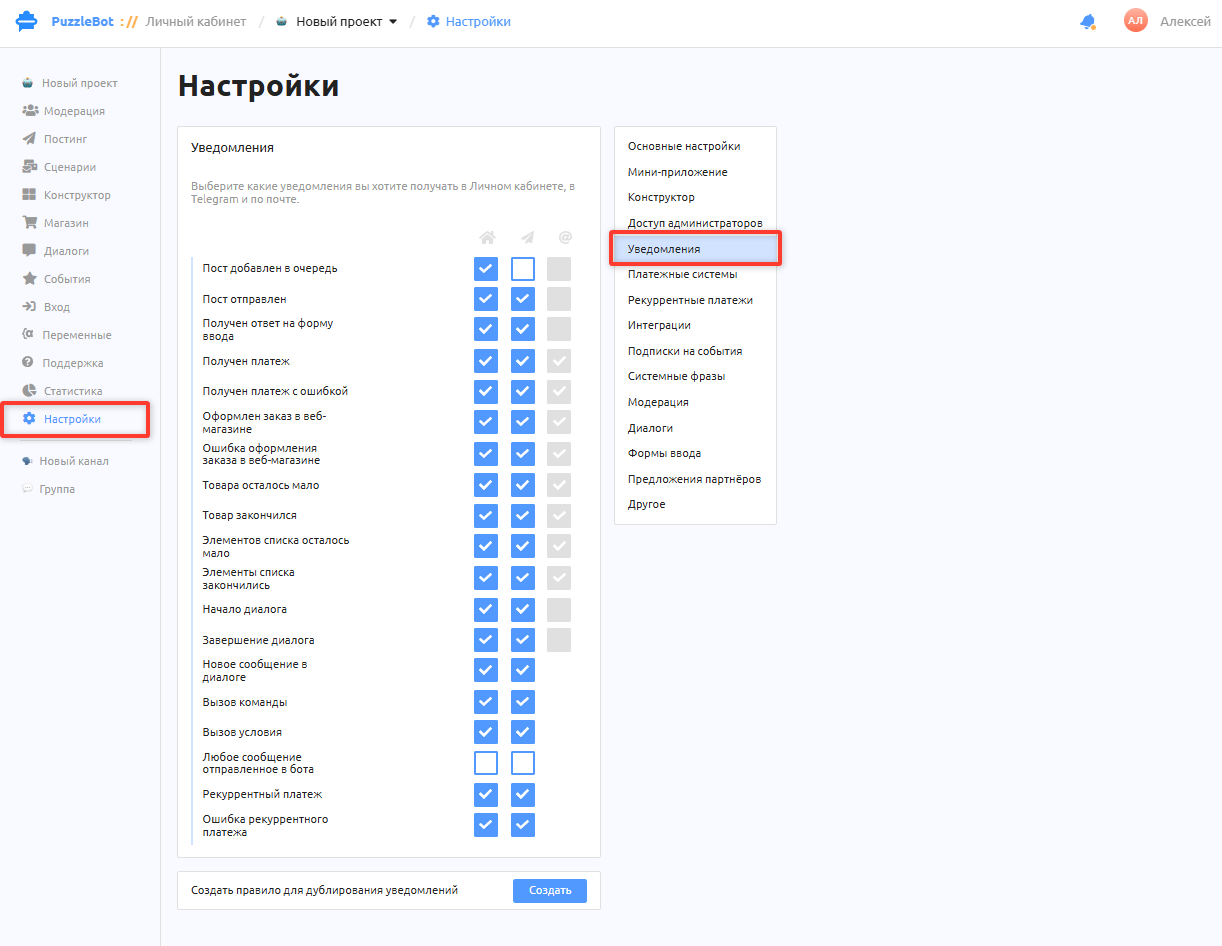
To set up notifications, open the project you need, select the Settings section and then the Notifications tab. The Notifications tab lets you configure notifications related to the bot and the resources connected to it, turn them on and off, and choose where they are sent.
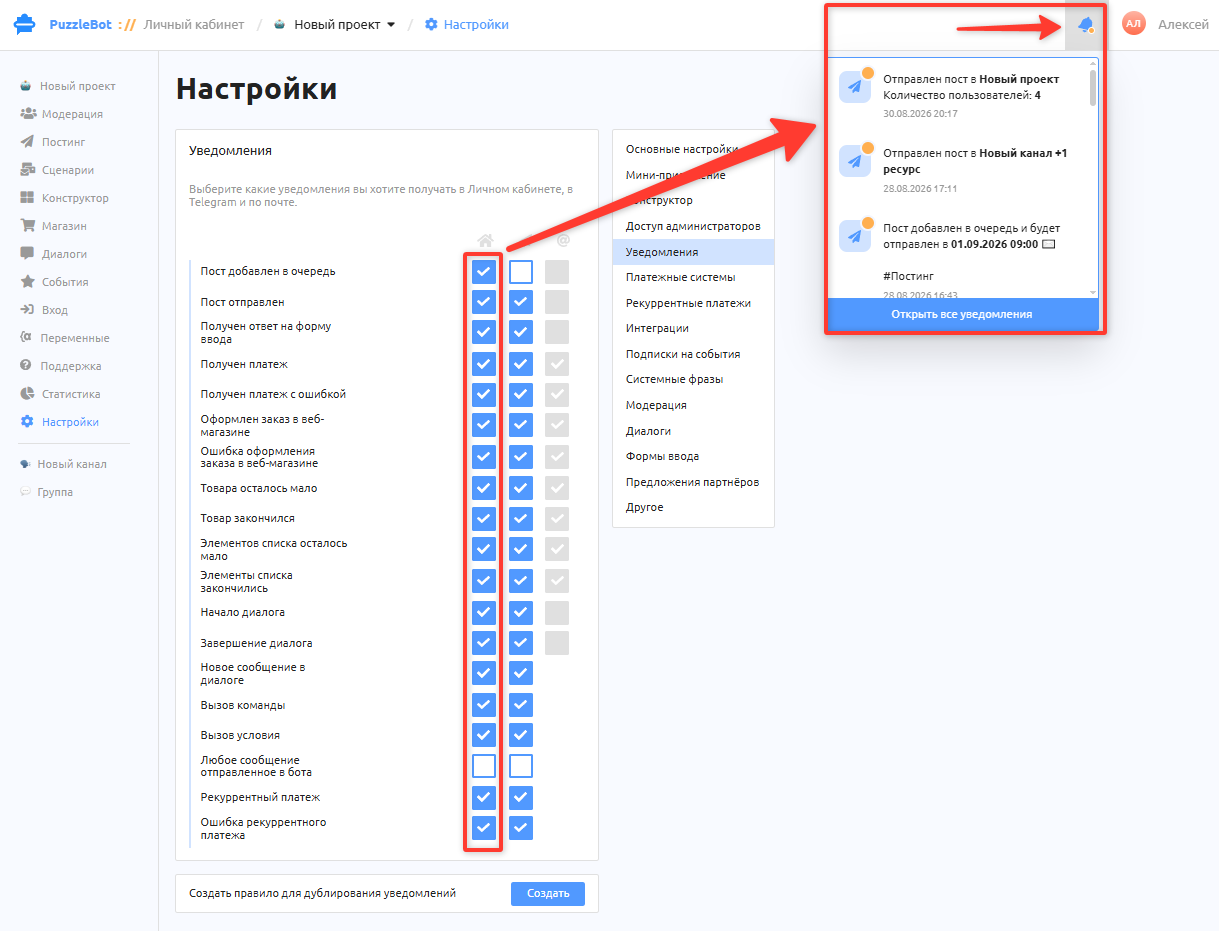
The first column is for notifications you receive only in your puzzlebot account.
The second column sends notifications to the linked messenger account.
The third column sends notifications to your linked email; it is available only after you link an email in the account settings.
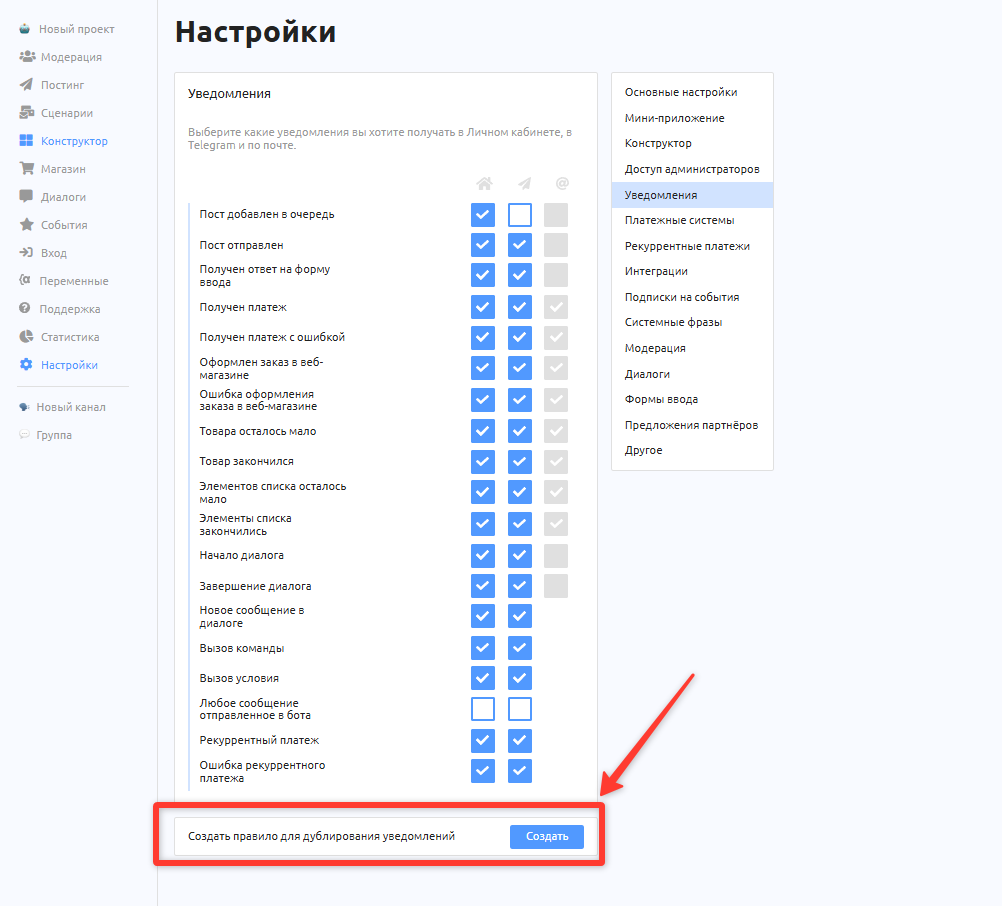
To duplicate notifications to a group, to another email or to administrators, create a notification duplication rule (available on paid plans only).
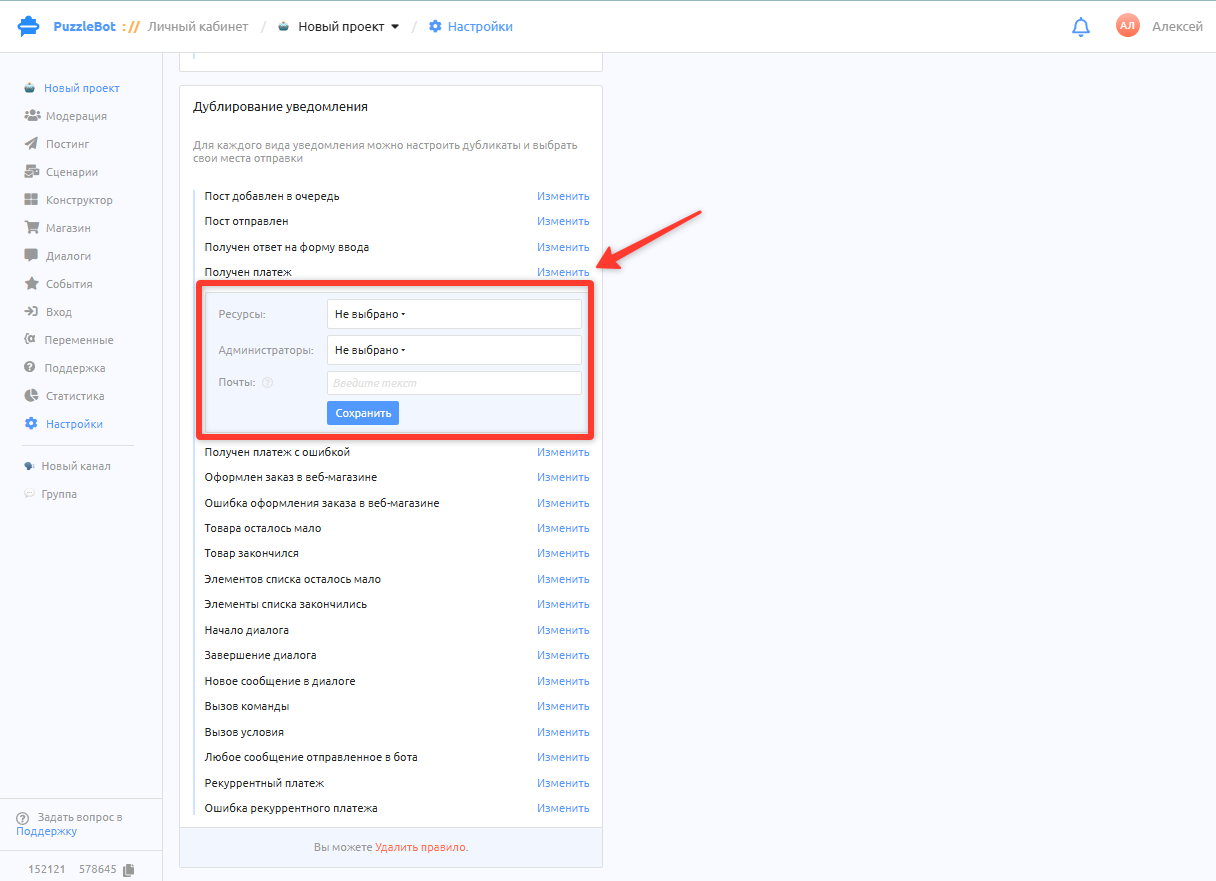
Select the notification you need and click Edit.
Select the resources or administrators that should receive copies of the notifications.
To specify several email addresses, separate them with commas.
Each notification is configured separately.
Alerts
Alerts about various events arrive not only in your puzzlebot account on the website but also in our bot @puzzlebot. These are notifications about your account, for example that your plan is about to expire or that Puzzle Points have been credited under the referral program, and others.