This article covers the Product block settings.
We recommend reading the article: Store section overview
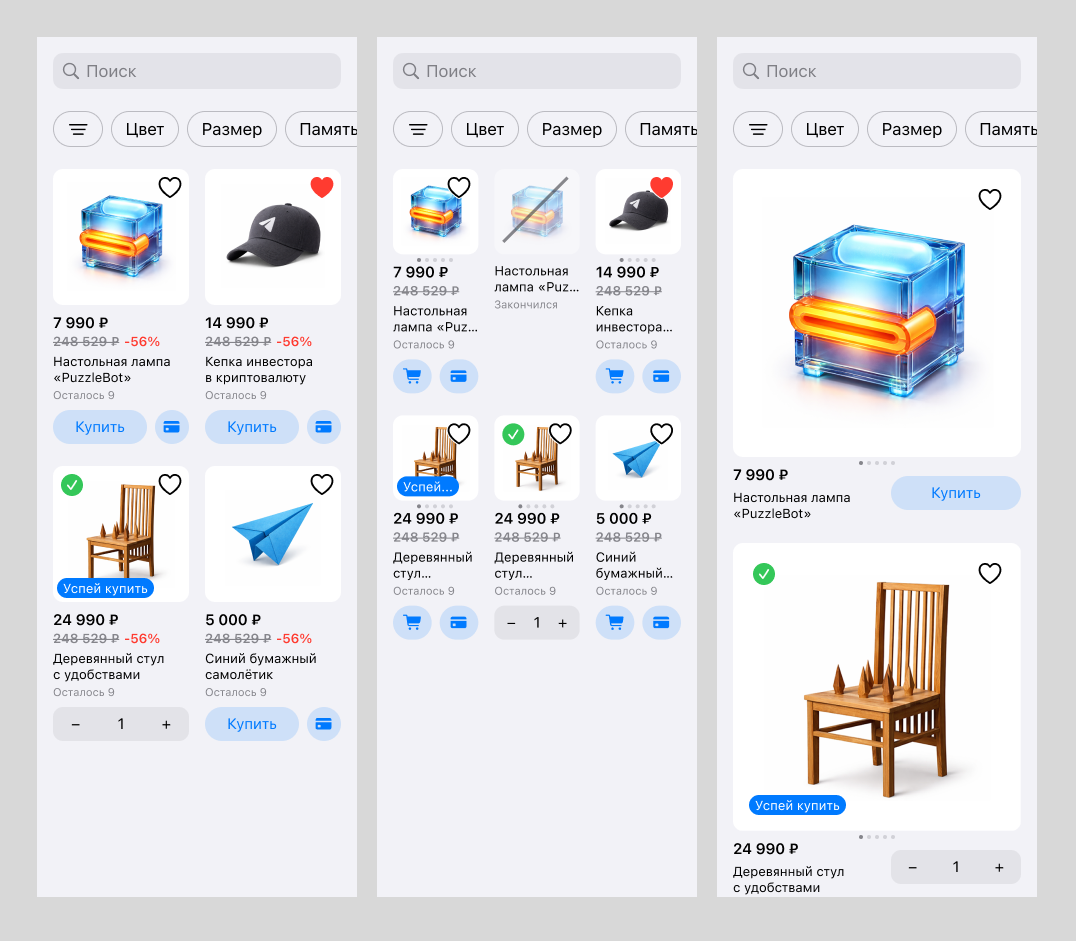
In the block settings you can choose how products are displayed:
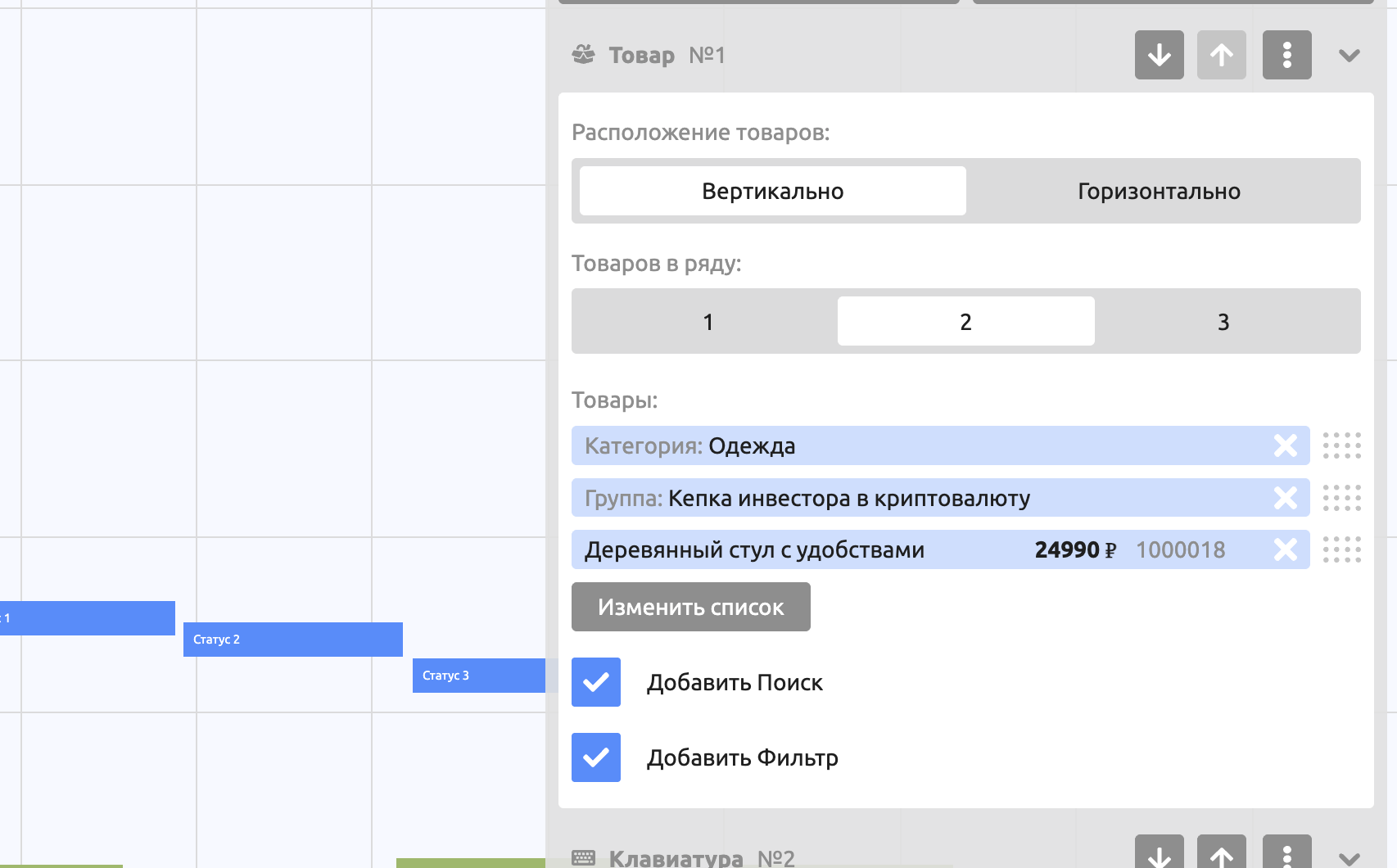
Product layout. Vertical or Horizontal. The Search and Filter options are not available for the horizontal layout.
Products per row. Defines the size of the product card. Buttons with text turn into icons if there is not enough room to show them.
Products. You can add a Product, a Product group and a product Category to the Products field list, and set the order in which they are displayed.
Search. Lets users search among the specified products.
Filter. Automatically shows all attribute groups so users can pick the parameters they need and search by them.
Important! Duplicate products are not displayed (if a whole category is added and a product from that same category is added separately, the product will not be sent twice).