This article explains how to set up rules for combining input form notifications.
This setting lets you specify commands with input forms whose notifications will be sent as a single (combined) message.
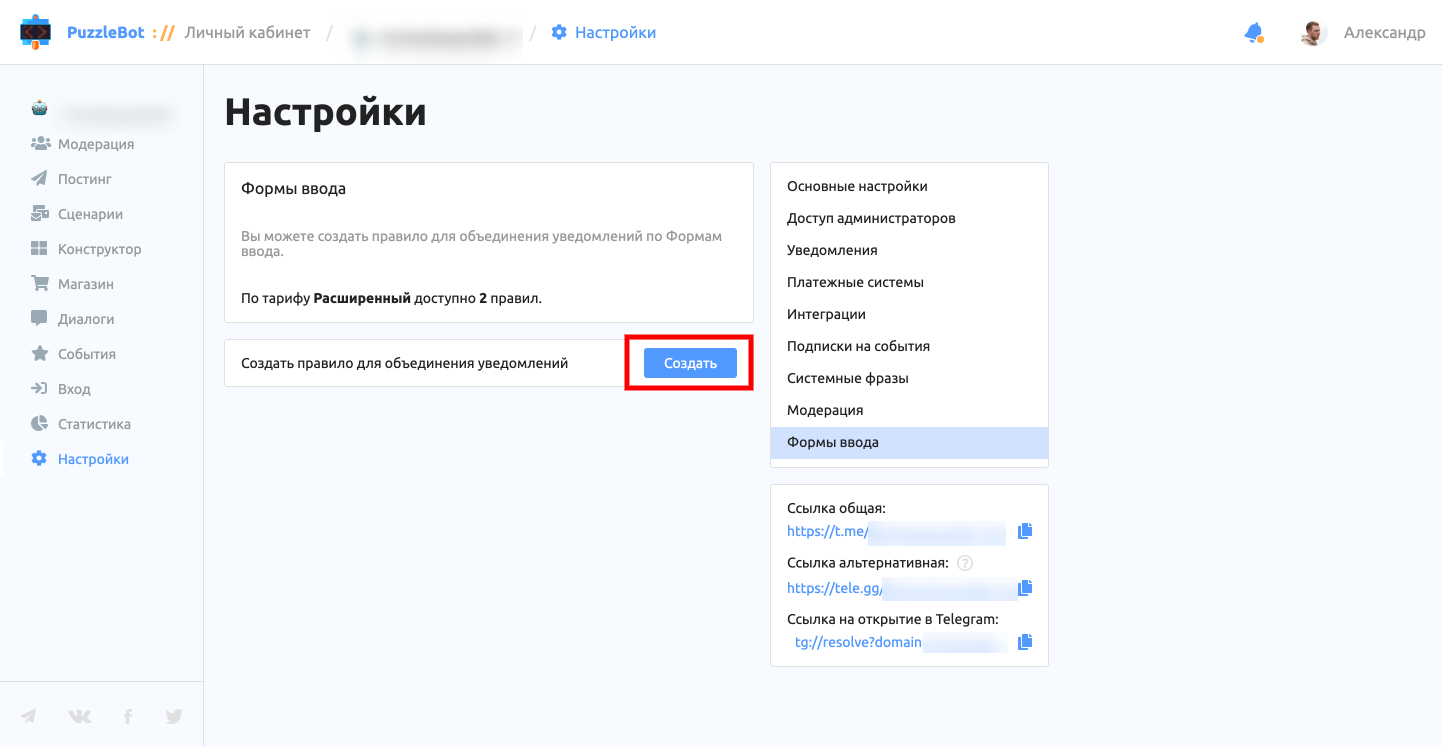
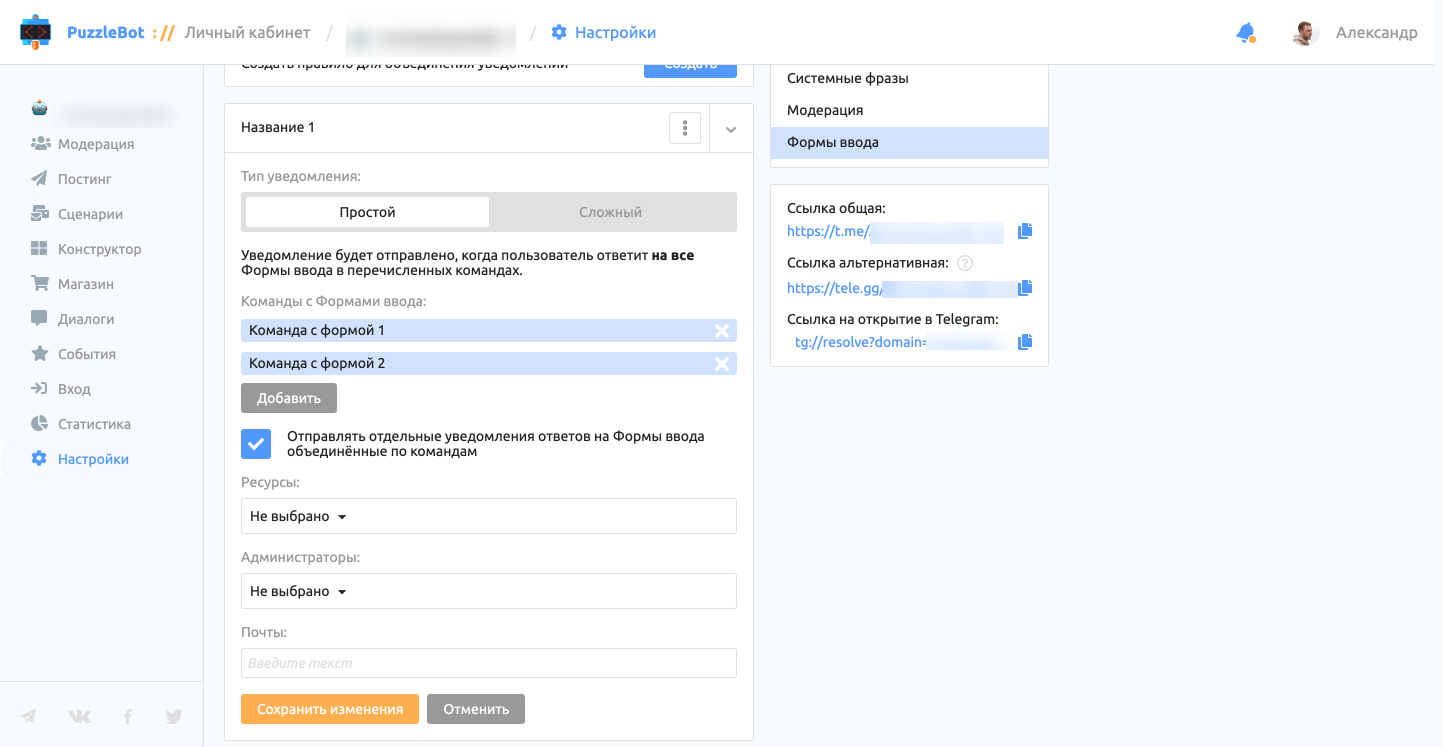
Let's go through the available settings.
Notification types:
Simple — the notification is sent only when all input forms have been answered in the specified commands.
This type is a good fit if the user must answer the input forms in order.
Advanced — the notification is sent when the user reaches the End command and includes only the input forms the user managed to answer. With this type, the user does not have to answer all input forms.
This type is a good fit if the user can answer the forms in any order and some forms may remain unanswered.
Commands with input forms — lets you set the commands containing input forms whose answers will be sent in a single notification.
End commands — available for the Advanced type. Lets you set a command that, when the user reaches it, sends the bot owner a notification with the input form answers.
Send separate notifications for input form answers grouped by command — turns on or off the regular notifications about input form answers (by command) in addition to the rule.
Resources, Administrators, Emails — let you set where notifications are sent.