This article explains how the Result block works.
The Result block counts the number of correct answers to input forms of the Quiz type and, based on conditions, takes the user to the right command.
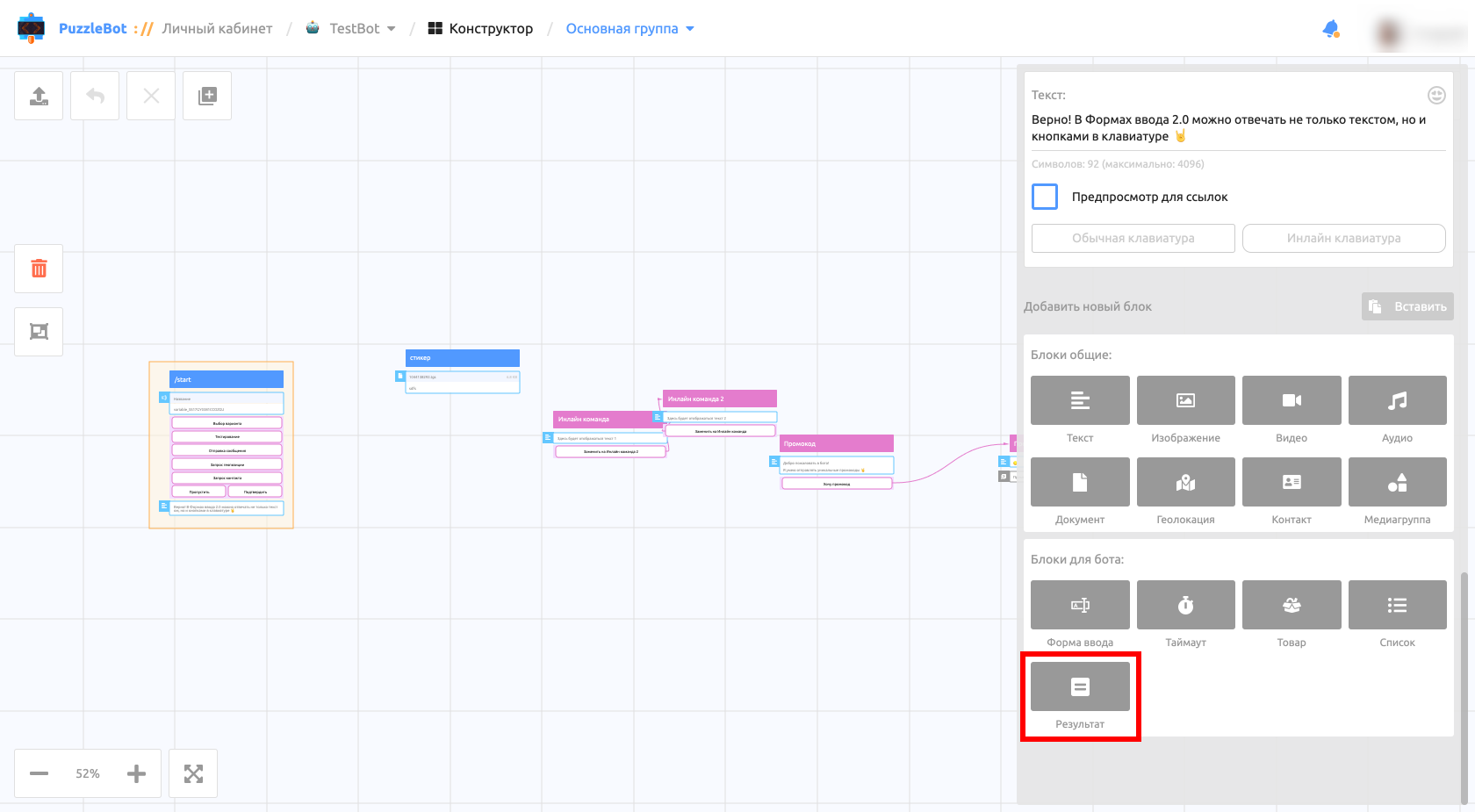
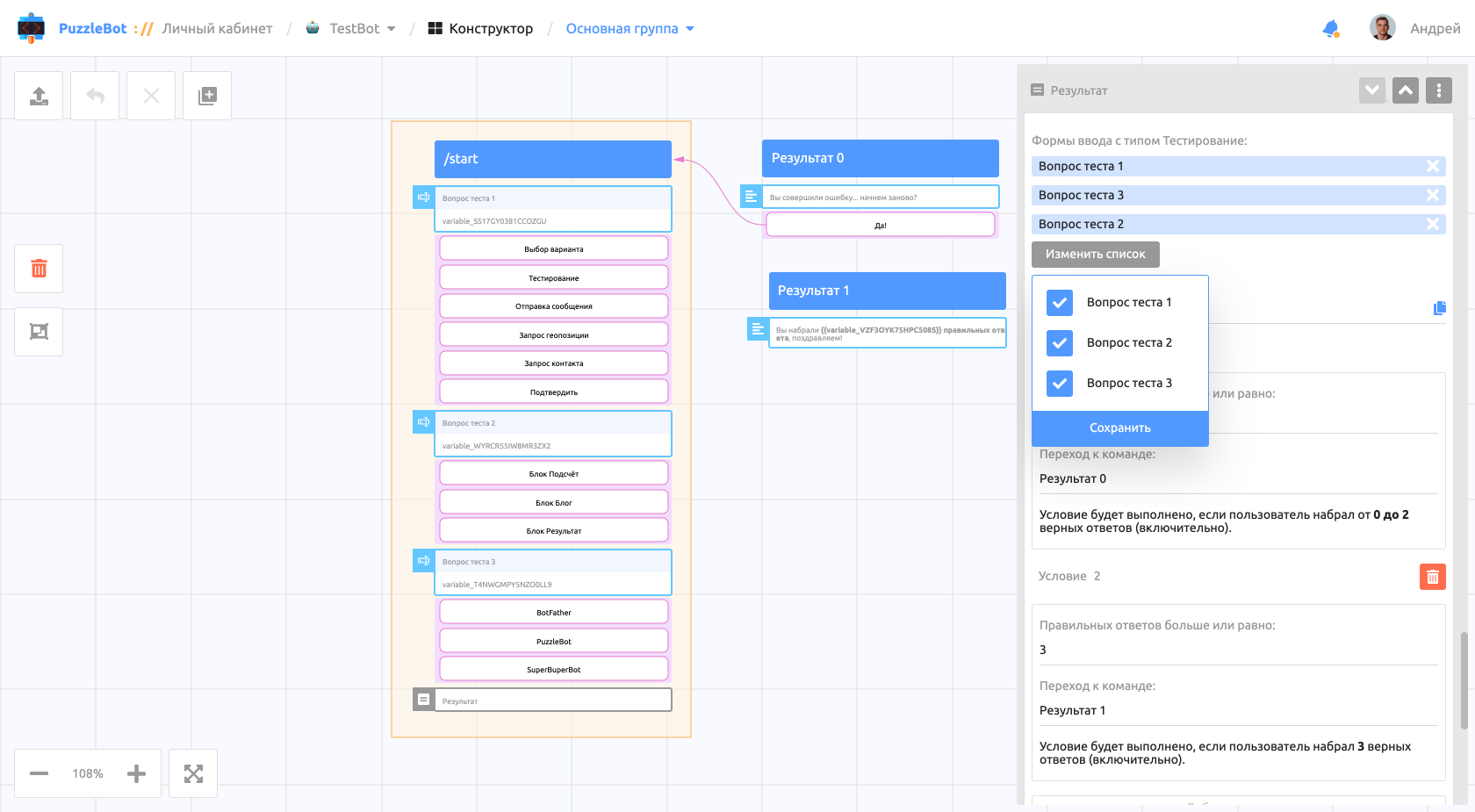
You can add the Result block in the command settings on the Constructor tab. The block settings consist of:
A selection of input forms of the Quiz type.
A variable (generated automatically, but you can change it). The variable is replaced with the number of correct answers.
Conditions.
Let's look at conditions in more detail.
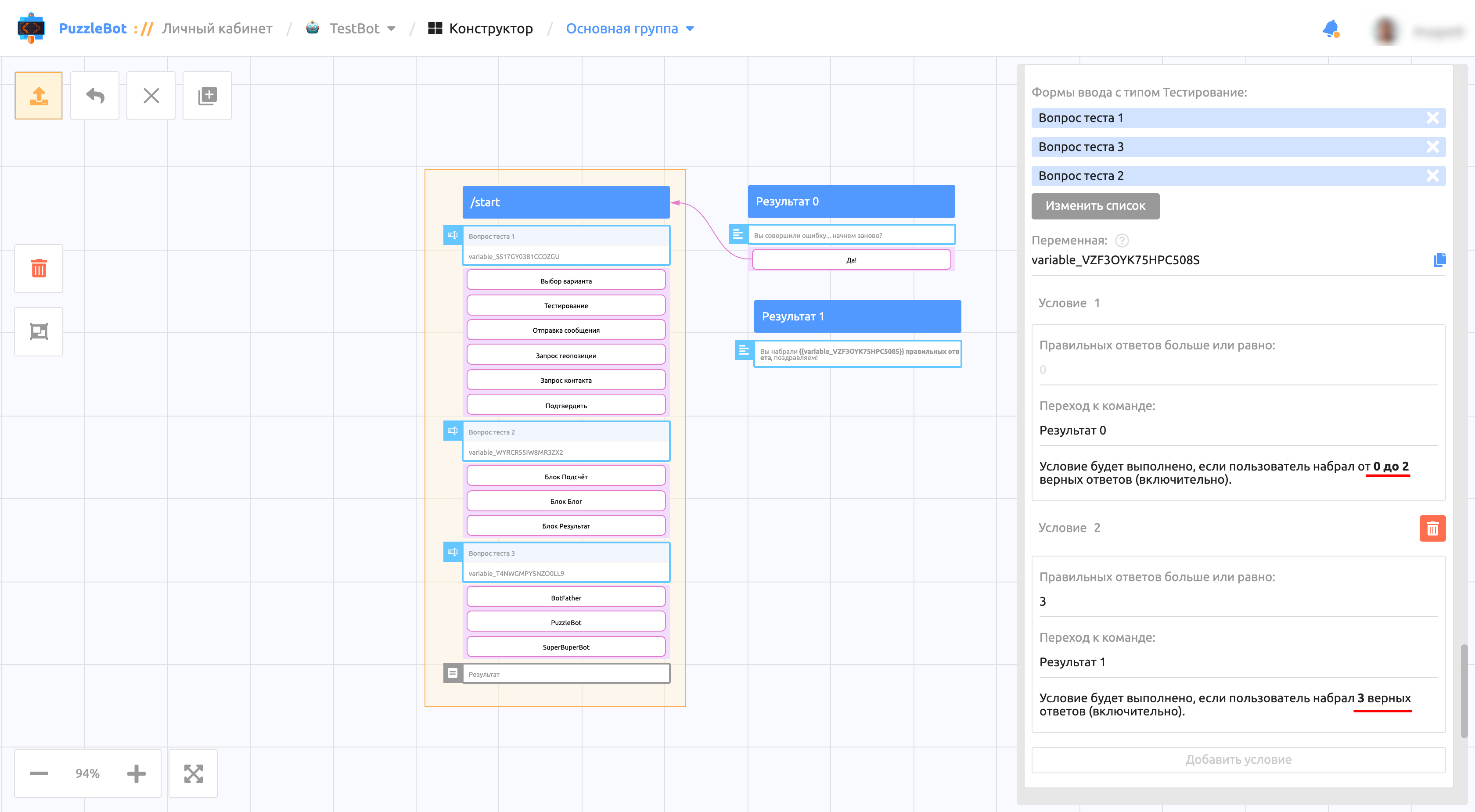
In the conditions you can set the number of correct answers and the name of the command the user is taken to when the condition is met. "Condition 1" is created by default, and you cannot change its number of correct answers. At the end of each condition there is a note with the range in which it triggers.
Important! You cannot create two identical conditions, and each next condition limits the previous one.
Important! Conditions are automatically sorted in ascending order.
Important! One form means one correct answer, no matter how many correct answers the input form itself has.