You can change a bot's picture or avatar (as well as its description, name and other details) only through @BotFather.
To change the bot's picture:
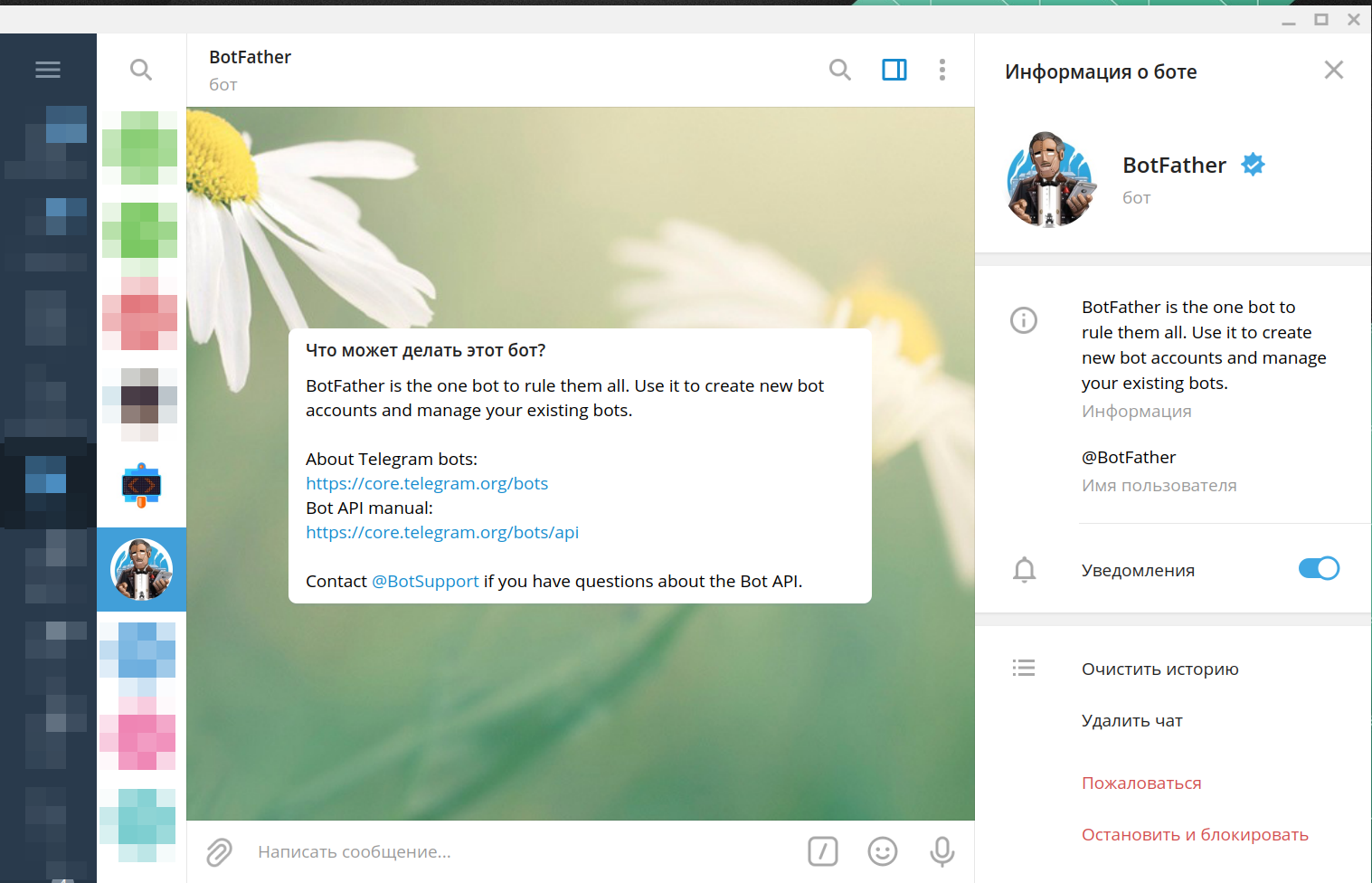
1. Open the @BotFather bot.
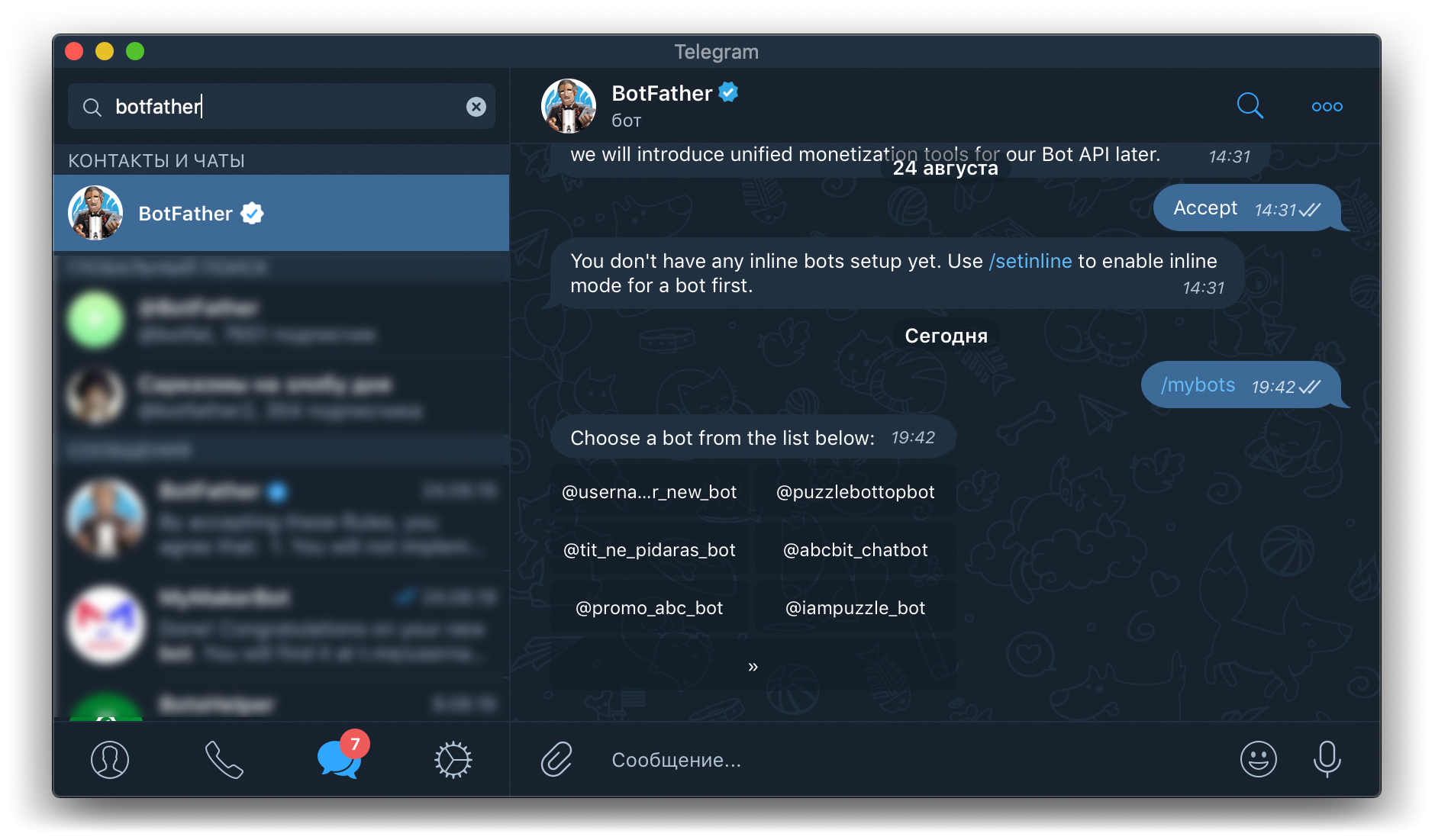
2. Send the /mybots command to @BotFather and select the username of the bot you need on the keyboard below the message.
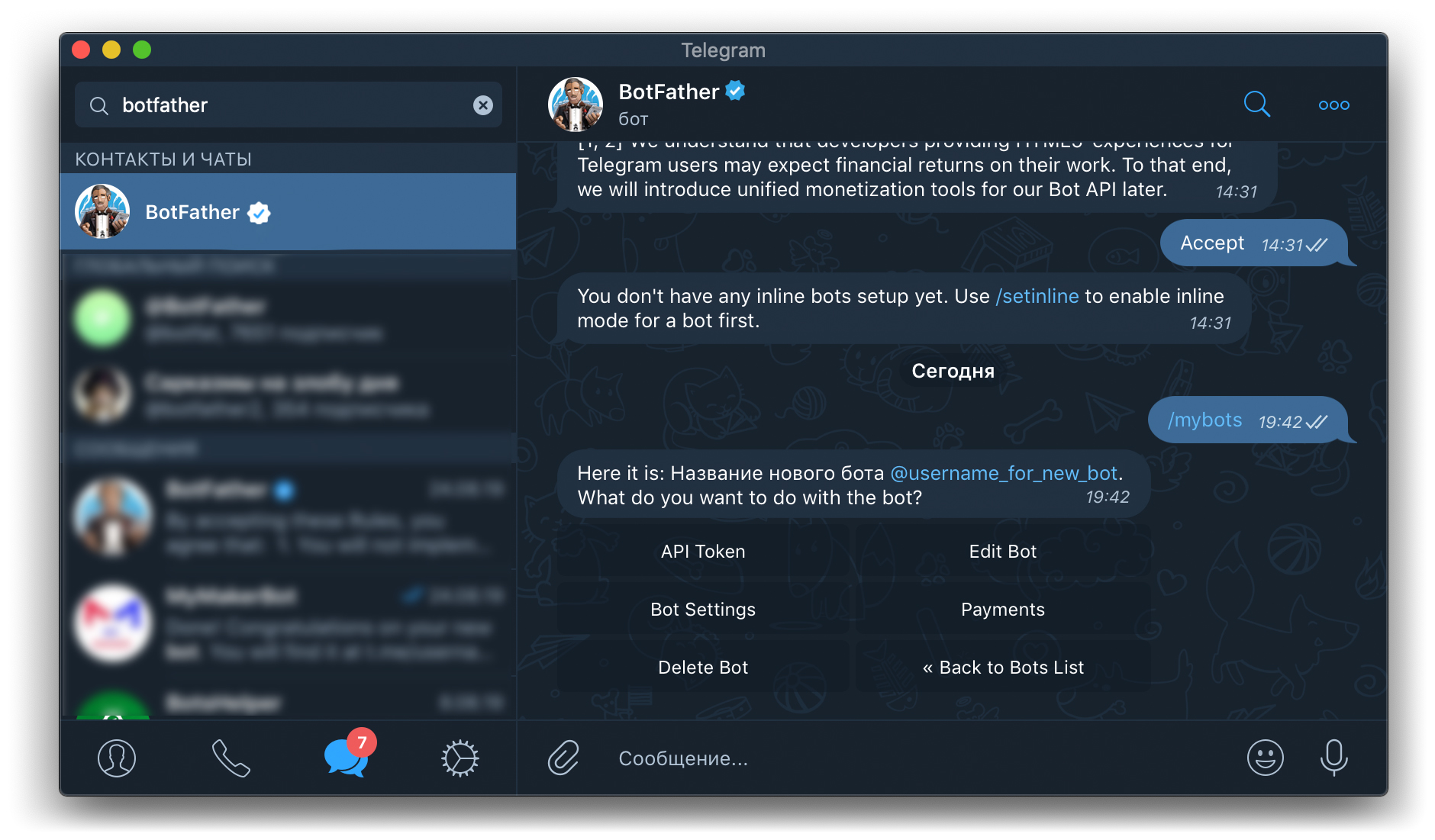
3. On the keyboard below the message, select "Edit Bot".
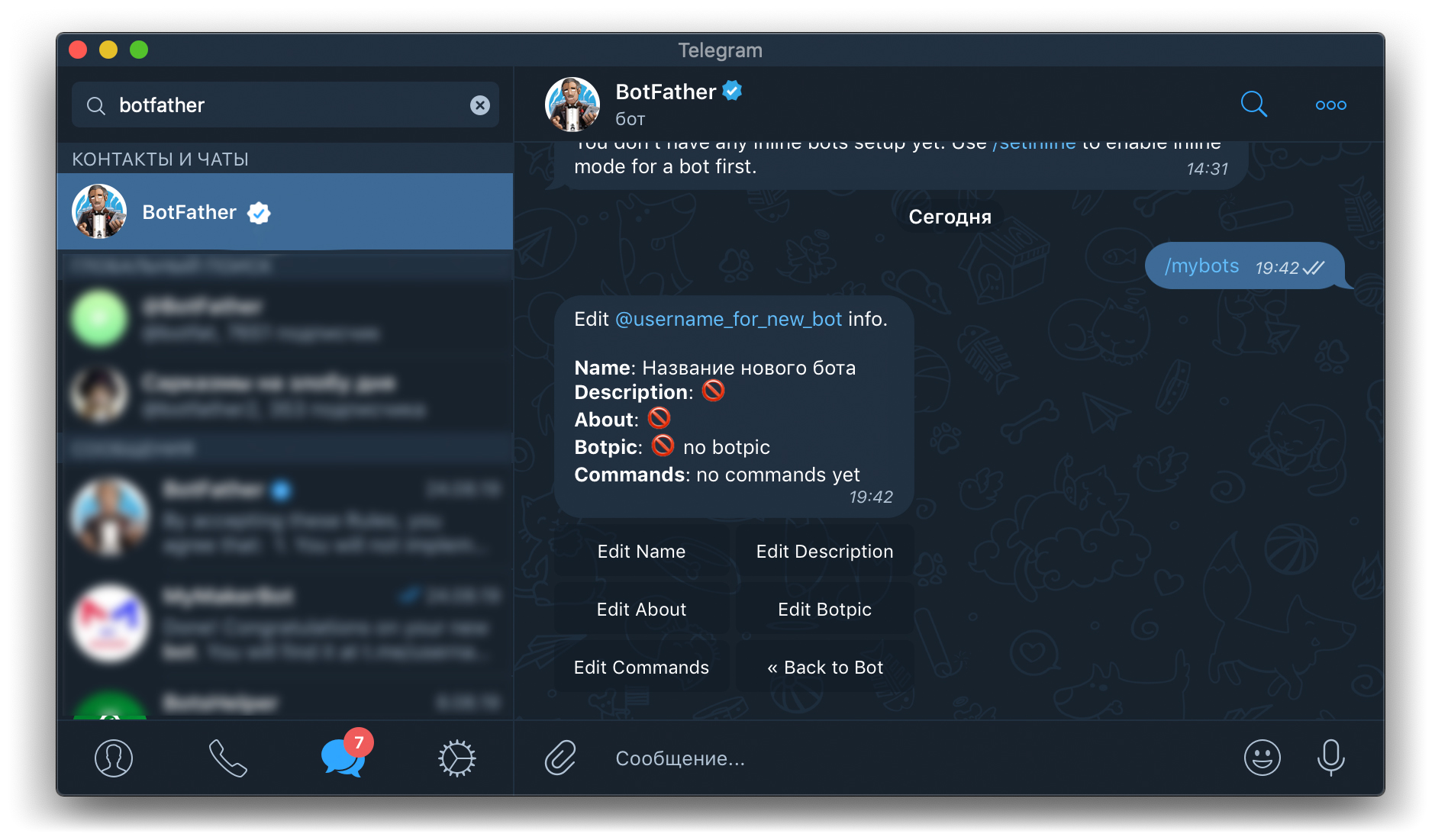
4. On the keyboard below the message, select "Edit Botpic".
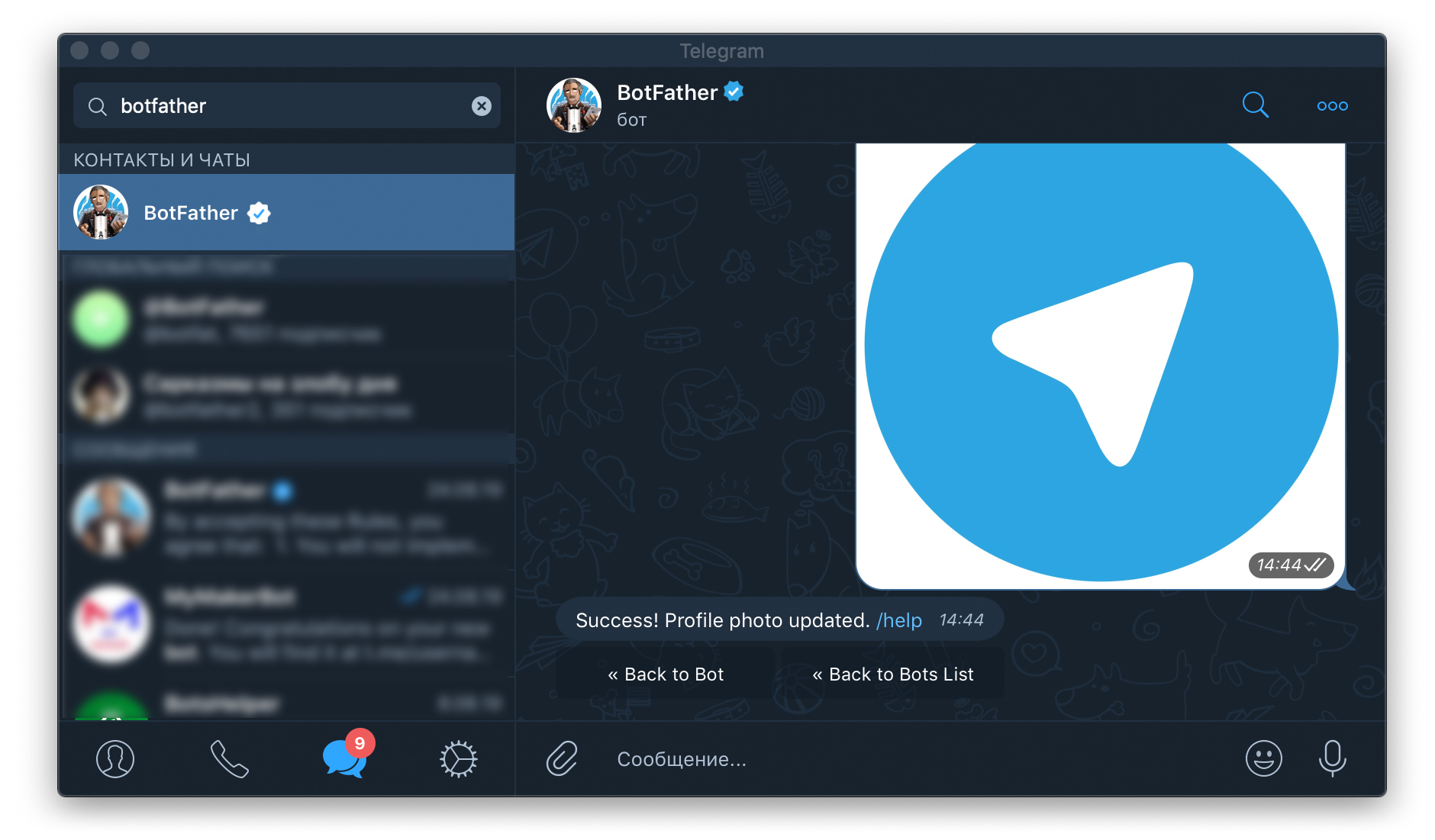
5. Send the image.
Congratulations! The bot's photo has been changed.
Important! If the picture has not changed, wait a few minutes or restart your Telegram client.