This article covers what you can do with the referral system.
For an easier walkthrough, we recommend watching the video overview:
05:13 — Referral system
05:21 — System settings
05:51 — Example of the referral system in action
06:49 — Referral visits table
Creating a new referral notification
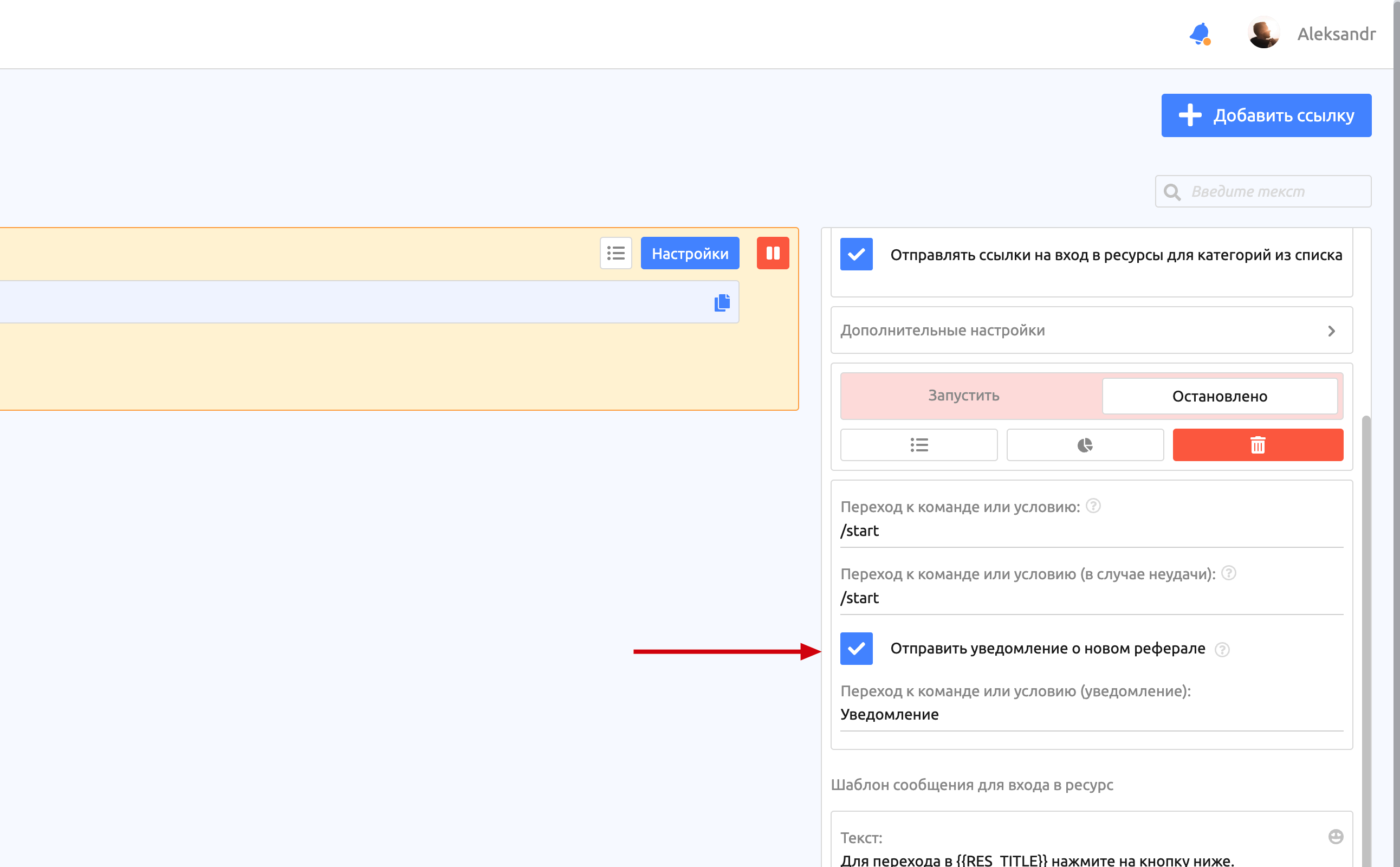
The "Send a notification about a new referral" option lets you choose a command that will be used as the notification template.
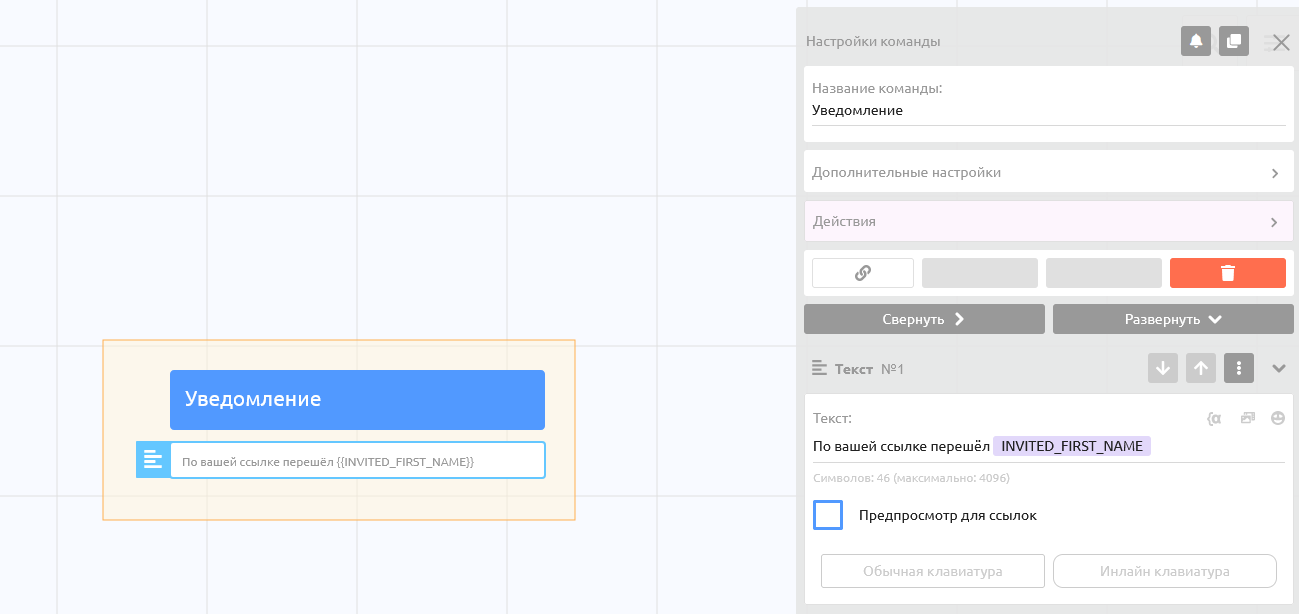
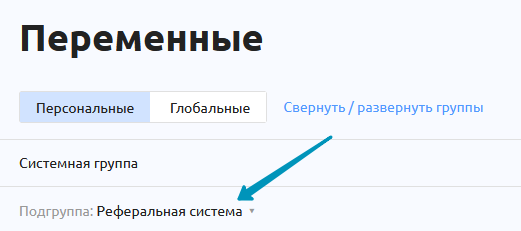
In this command you can use the special referral system variables. You can find the list in Variables — Personal — System group — Referral system subgroup.
Important! These
INVITED_variables work only in the command set as the notification and in a command called through actions from the notification command.
For example: Link activation -> "Command 1" is called -> In "Command 1", actions call "Command 2". In "Command 1" and in "Command 2" these variables will work.