This article covers working with delivery and payment methods in the Store. We recommend reading this article first: Store section overview
Delivery
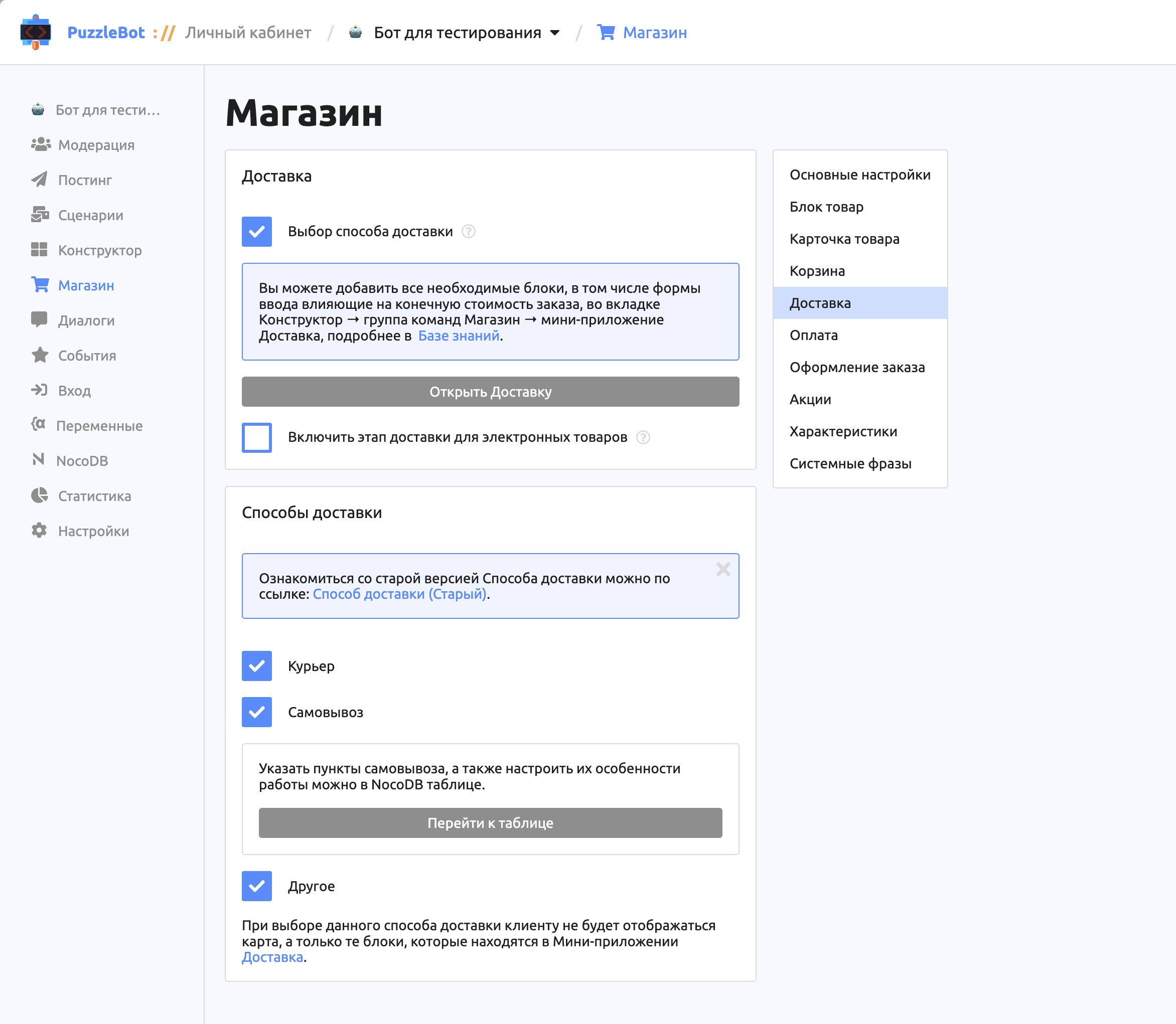
The Delivery section lets you set up delivery methods for the store. All the main changes are made on the Constructor tab, in the Store command group: that is where you can change existing input forms or add new ones.
Delivery
Delivery method selection. When enabled, store customers get to this step as soon as they start checkout. The "Open Delivery" button opens the Store command group on the Constructor tab.
Enable
Payment
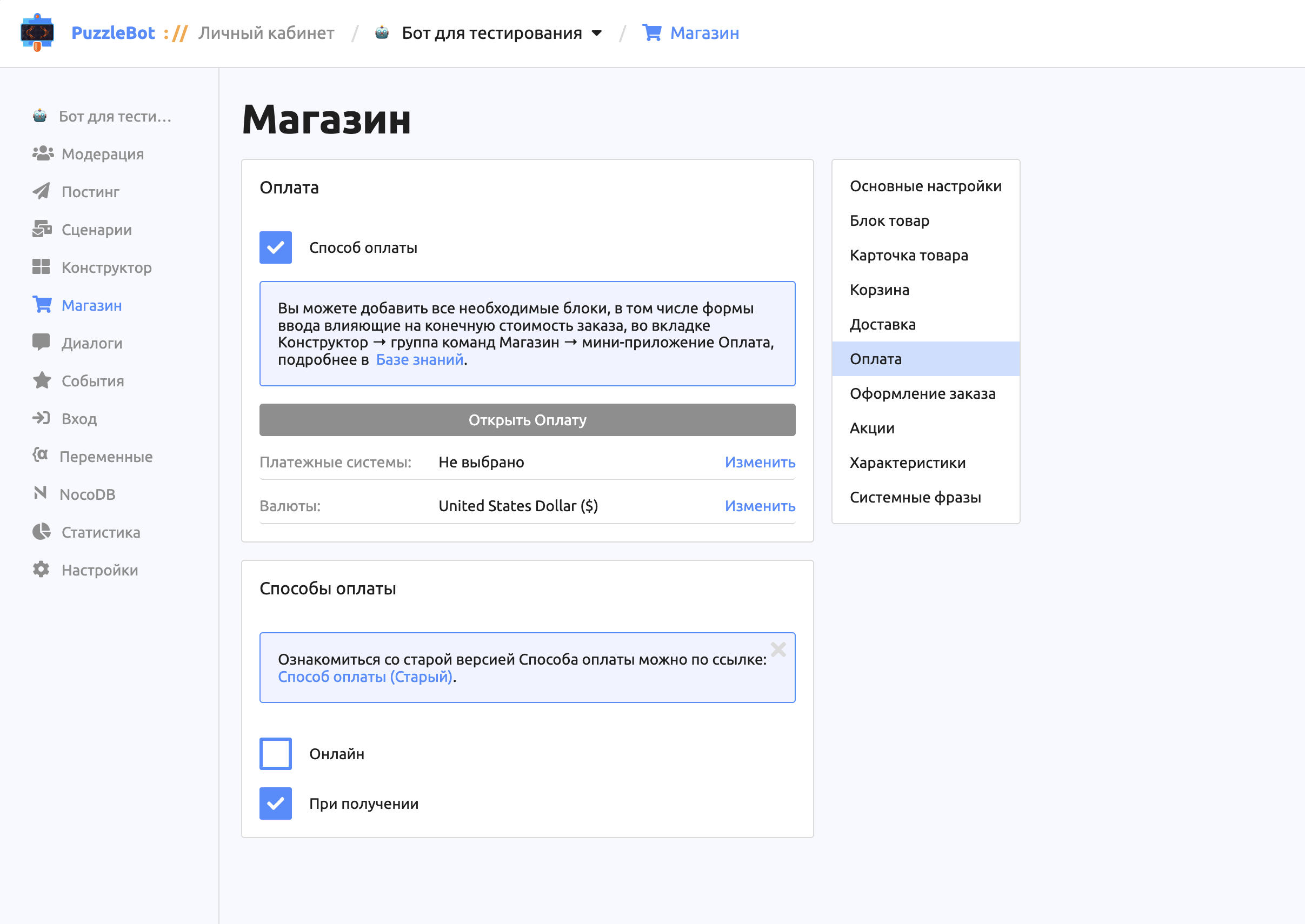
Important! To accept online payments, connect payment systems in the bot settings. Learn more: ⚠ Payment systems.
Setup in the Constructor
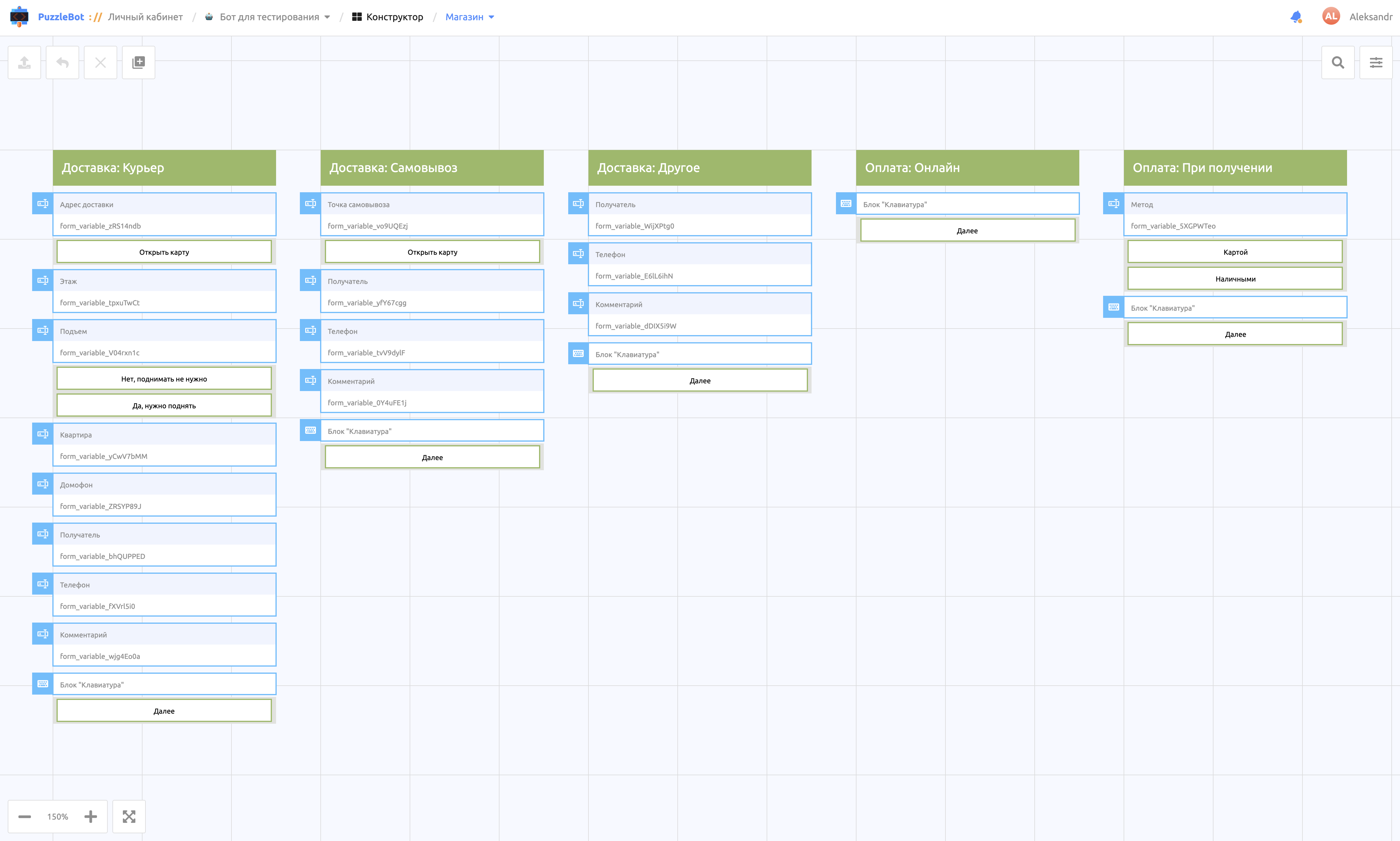
Important! The Constructor automatically creates a "Store" command group with system mini apps for setting up delivery and payment methods.