This guide walks through the recurring payments settings page.
Recurring payments, or autopayments, are repeated charges to a customer's card.
Setup
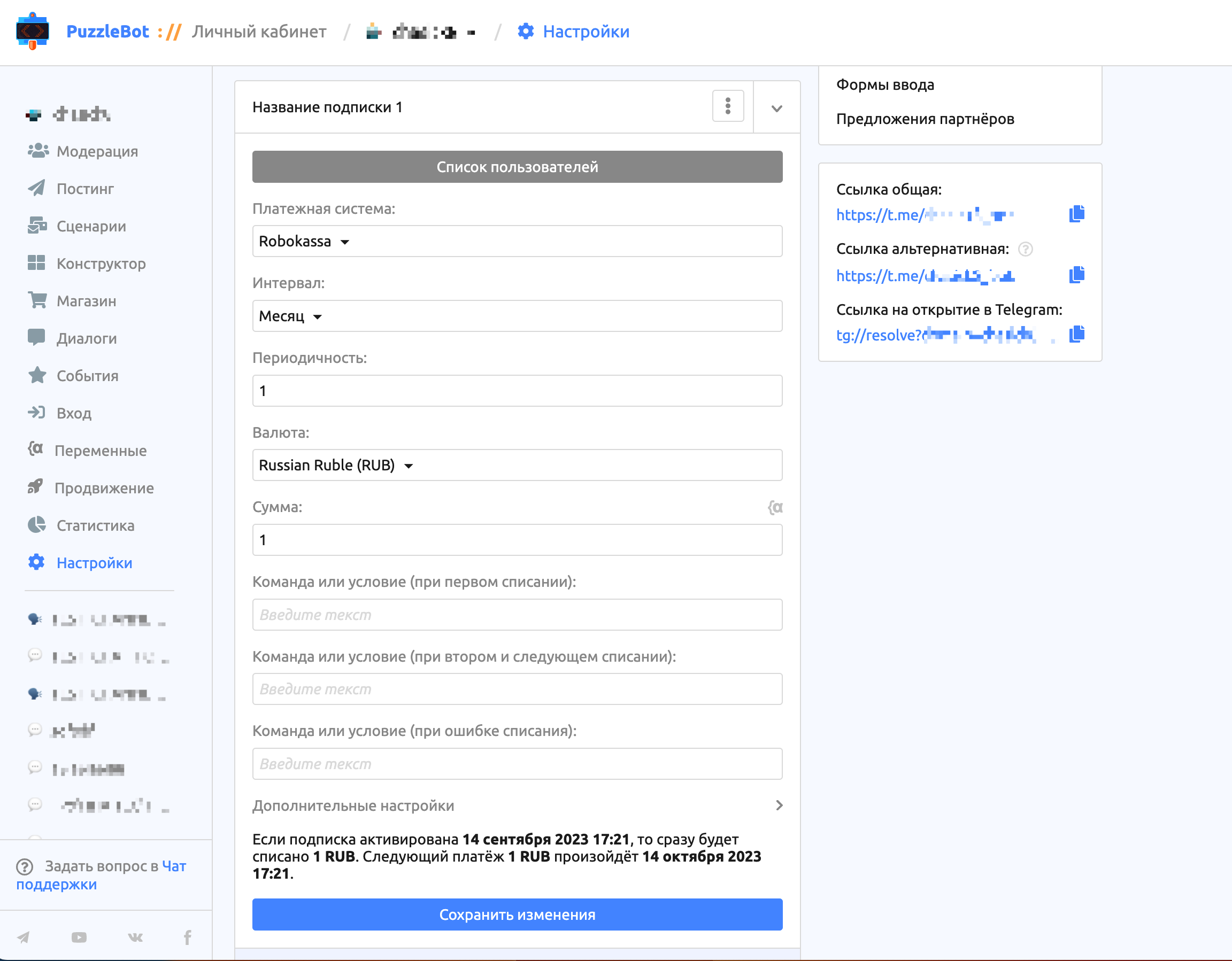
The recurring payments settings page is in the bot settings.
Important! Before setting up recurring payments, you must get permission for recurring charges from the payment system. To do this, contact the payment service's support.
Important! Recurring payments are currently available only for the Alfa-Bank, Kaspi, Prodamus, Robokassa, T-Bank and YooKassa payment systems.
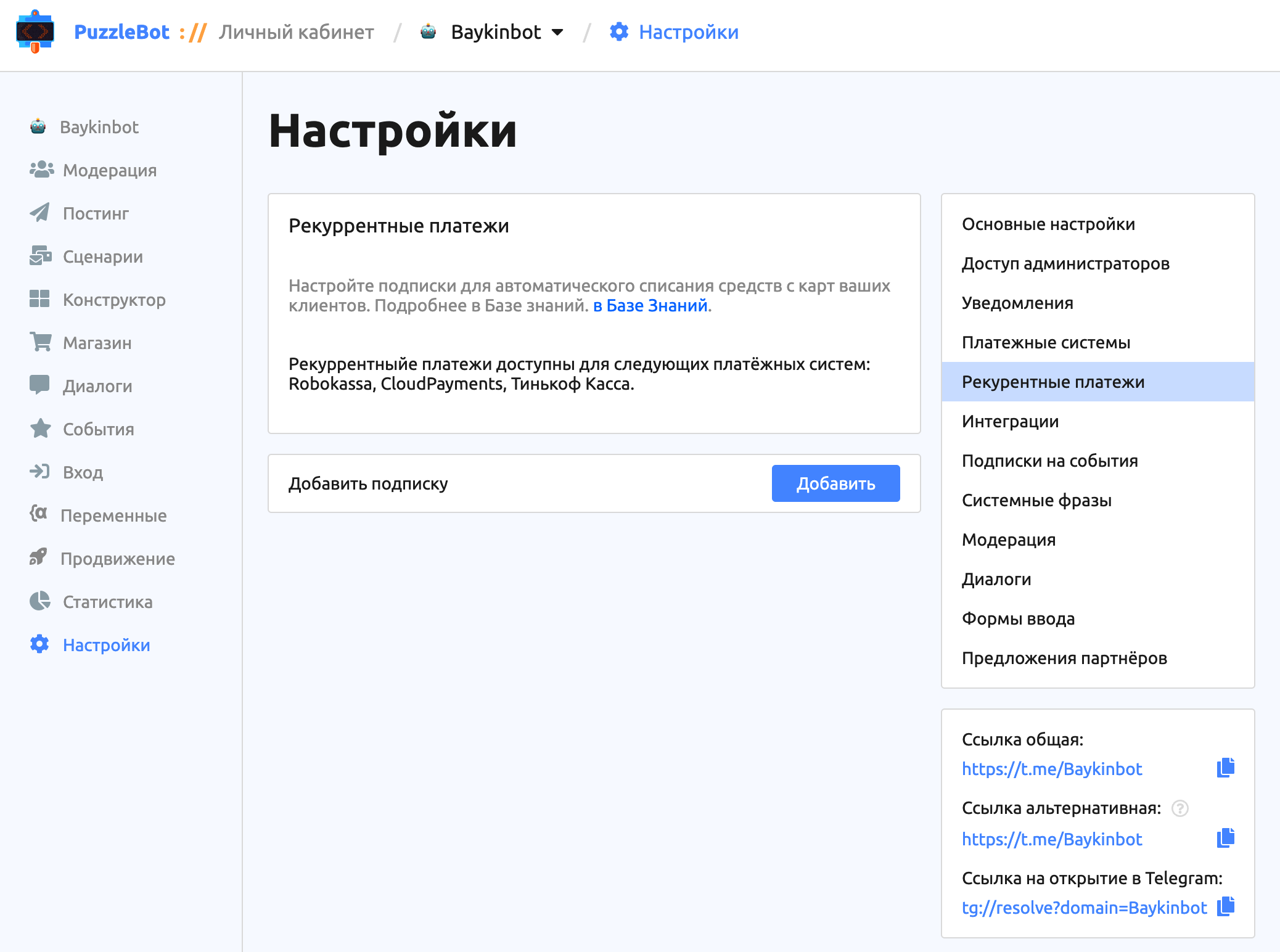
On the recurring payments page you can create subscriptions.
Let's look at the subscription settings:
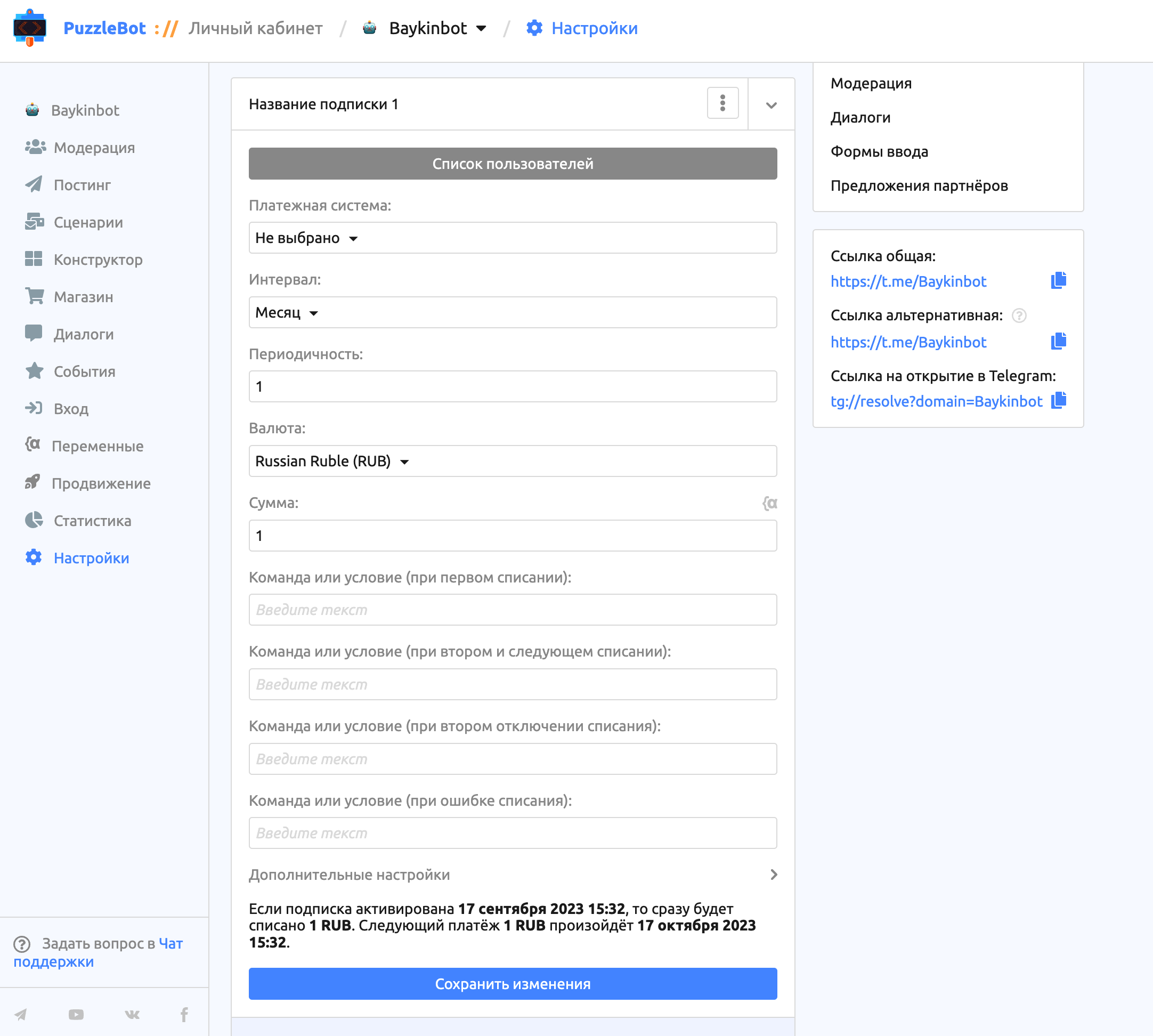
User list — a page showing all users with an active subscription. You can turn off the subscription for any user. After it is turned off, the user will have to subscribe again by making a payment.
Interval and Frequency — set the period after which the amount is charged, for example:
If a customer pays for a subscription on January 10 and the subscription settings are Interval: month and Frequency: 1, charges are made on the 10th of every month.
If a customer pays for a subscription on January 10 and the subscription settings are Interval: day and Frequency: 30, charges are made every 30 days.
Important! If a customer pays for a subscription on January 30 and the subscription settings are Interval: month and Frequency: 1, the charge is made on March 2, that is, 31 days later, because January has that many days. All following charges are made on the 2nd of each month.
Currency — check with the payment system which currencies are available for your store.
Amount — the charge amount; you can specify a variable. When the variable changes, the charge amount changes too, including for users with an active subscription.
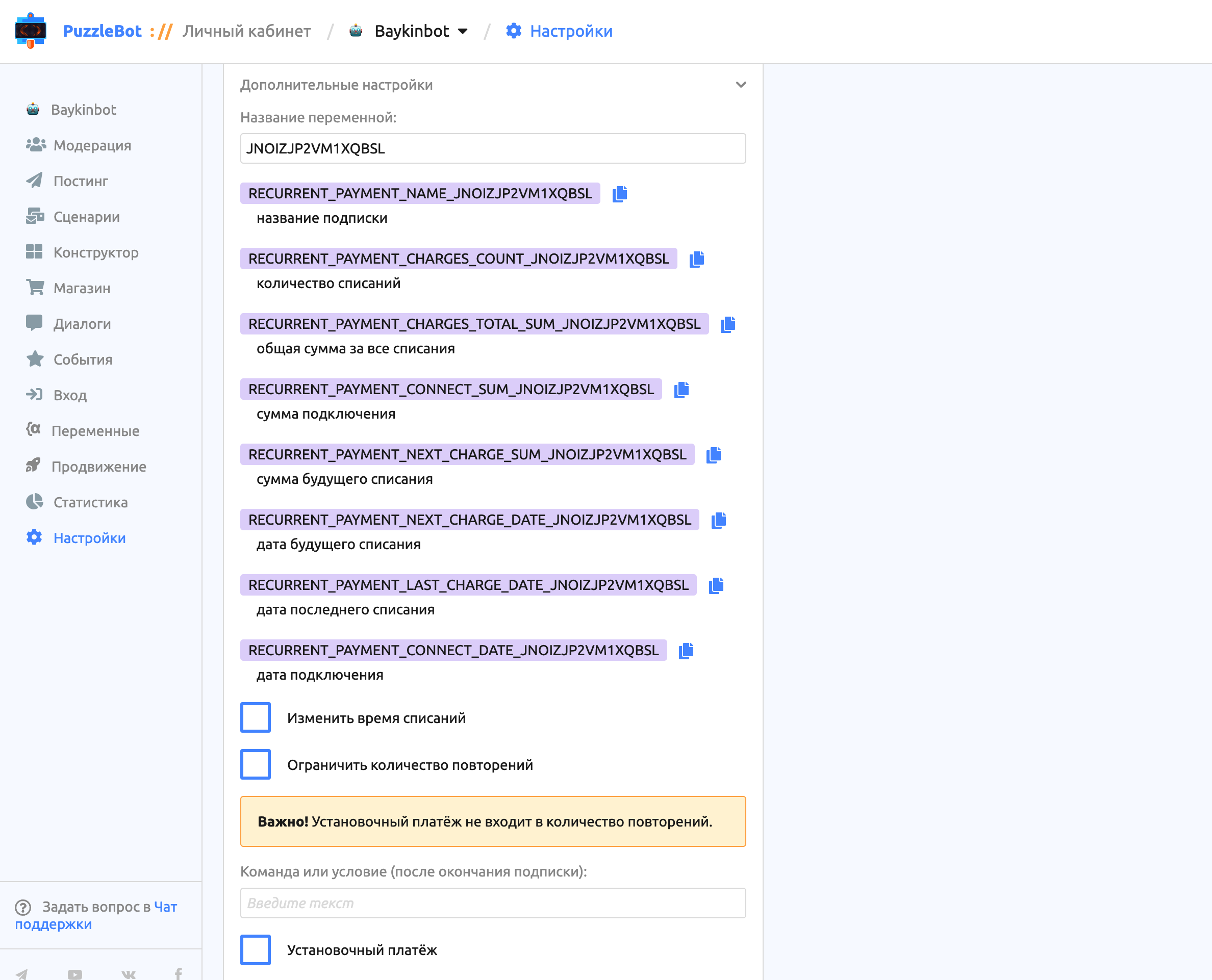
Change charge time — lets you set your own time for charges regardless of when the subscription was activated.
Setup payment — the amount of the first charge. It does not count toward the number of repetitions if the "Limit number of repetitions" option is on.
Actions
A subscription can be activated and turned off. It is activated by a button with the Recurring payment action. It is turned off by a button or by a special action for commands and conditions.
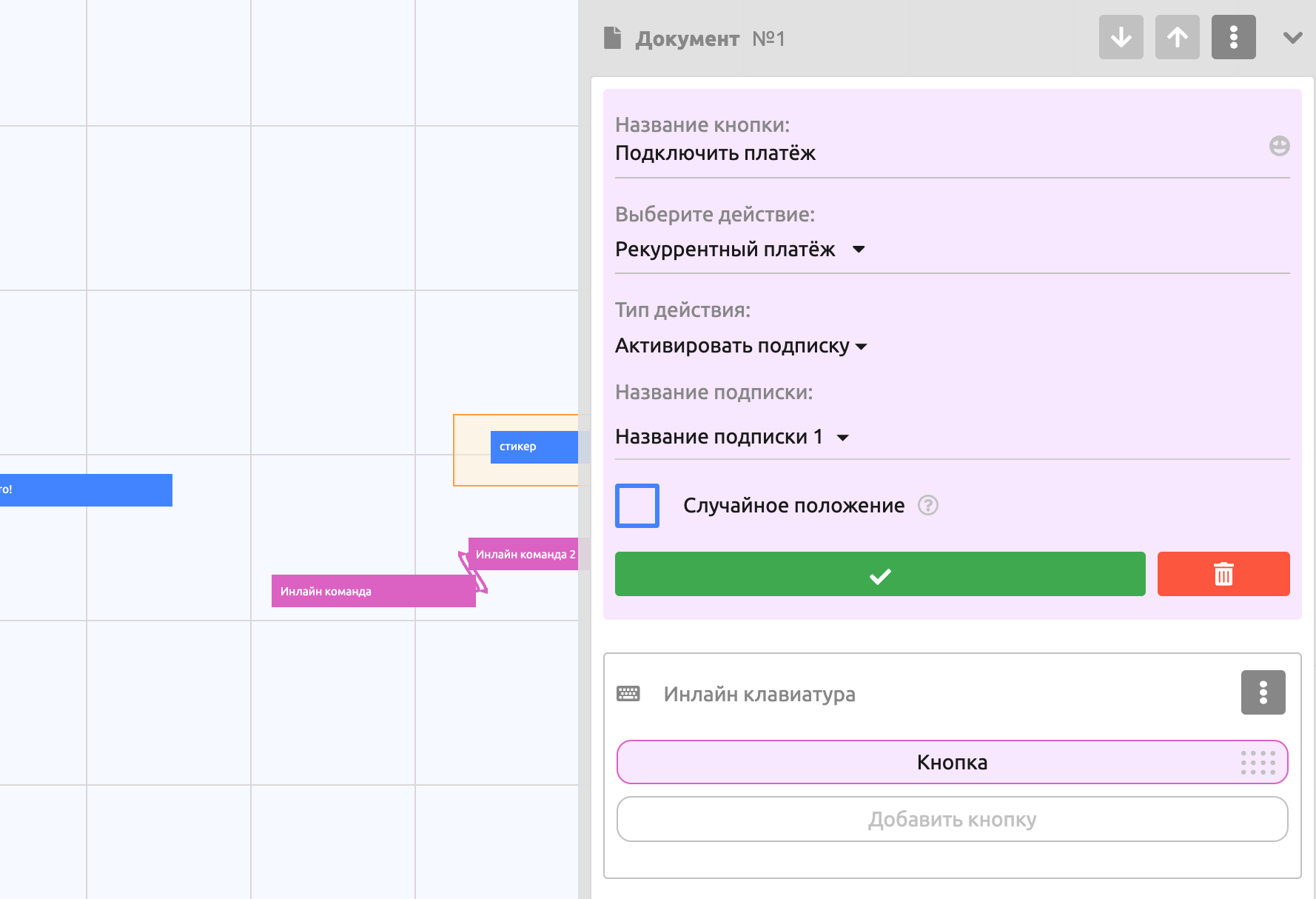
A button action that lets you activate or turn off a subscription.
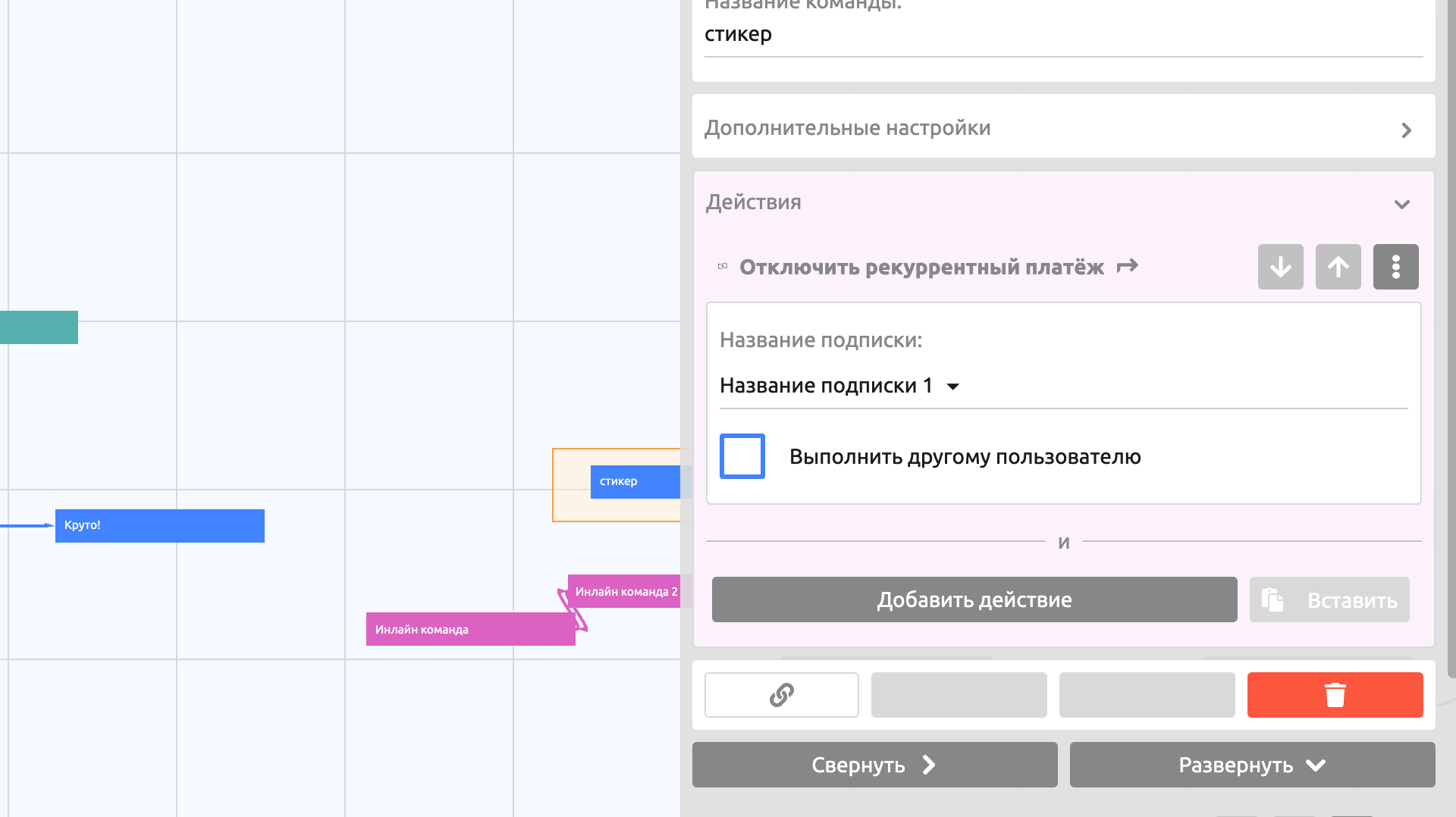
A command action for turning off a subscription.
Conditions
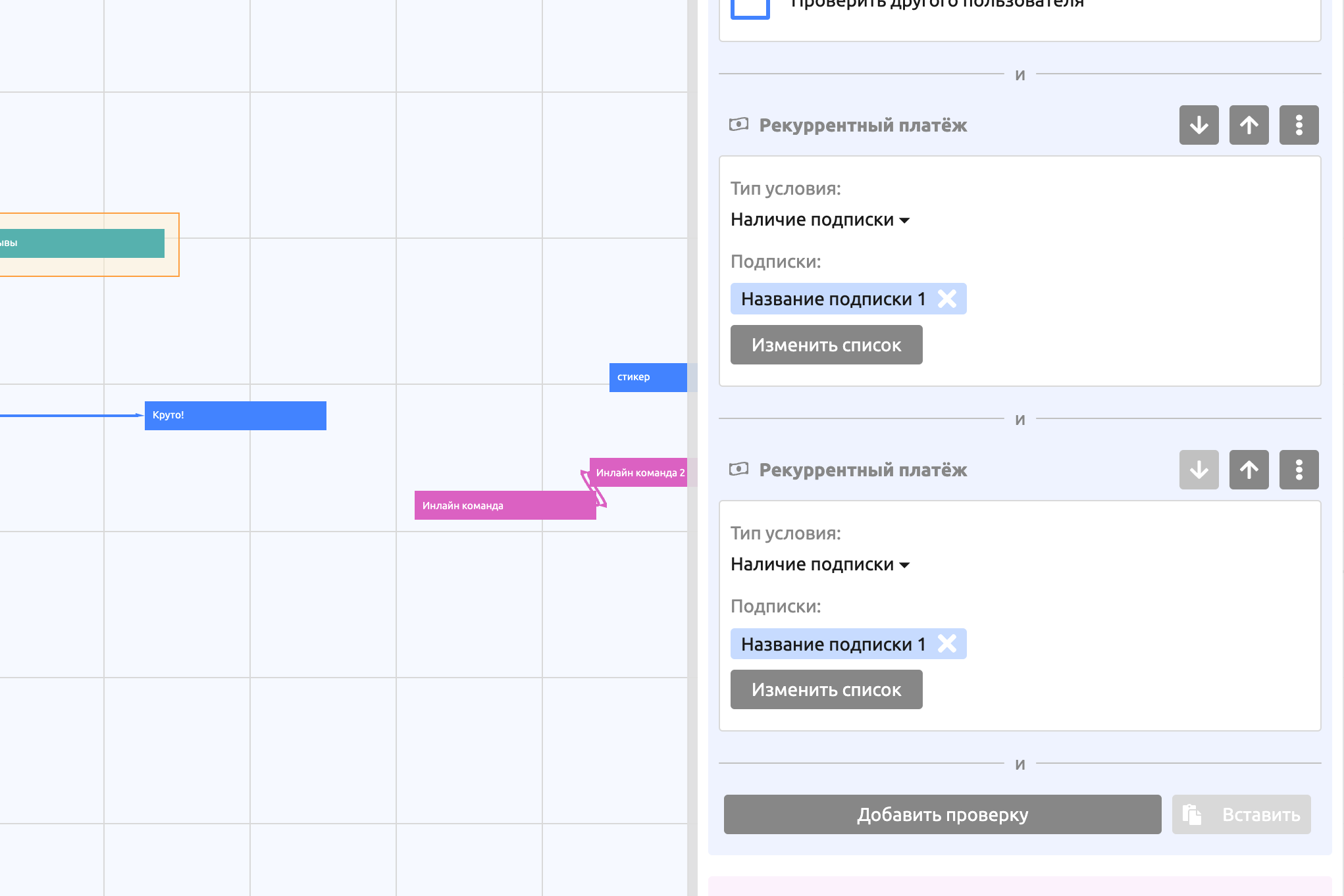
For recurring payments you can add a check for whether an active subscription exists or not.