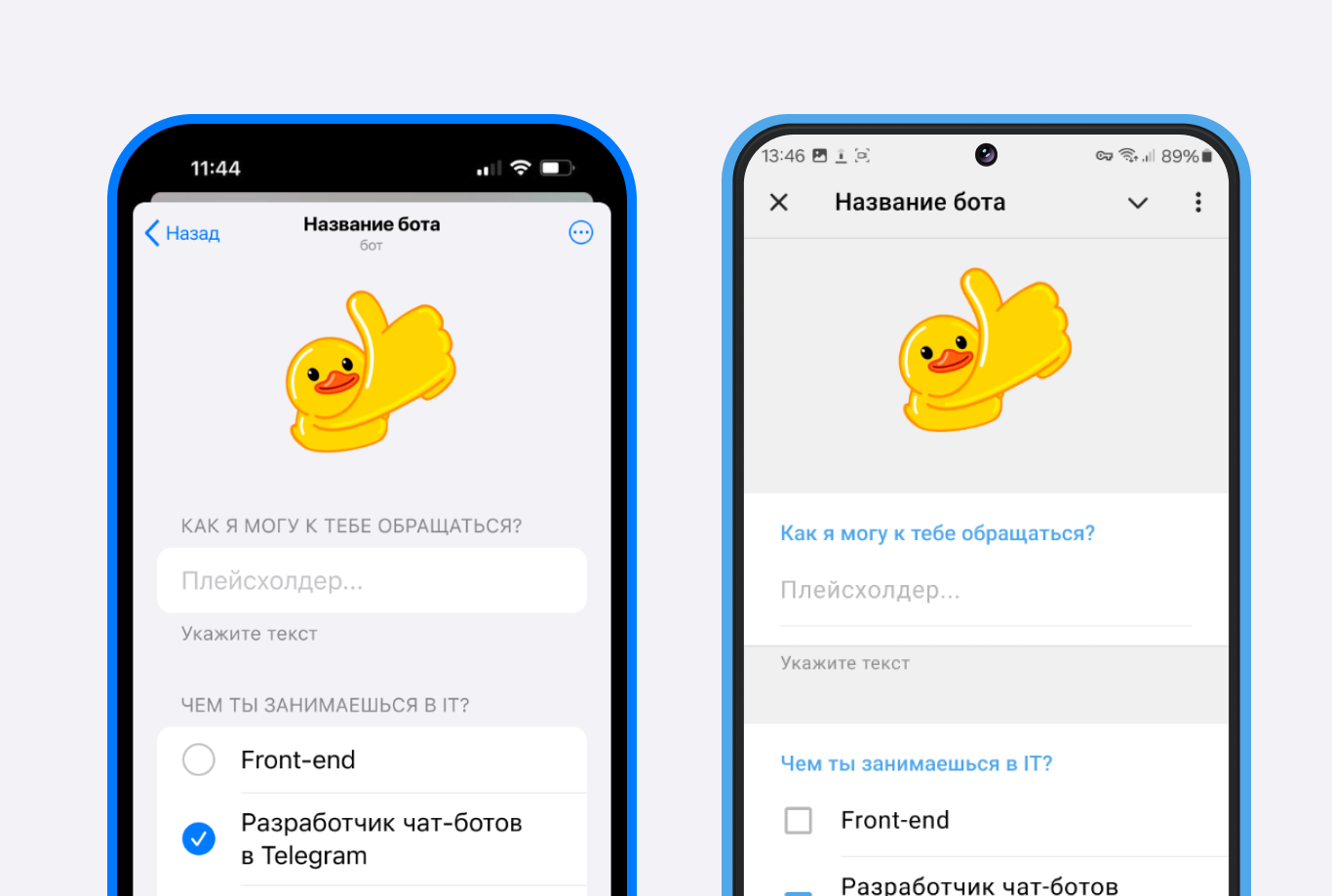
A mini app is a Telegram element that is essentially a web page opened inside Telegram or Max; in Telegram it uses the extended capabilities of the Mini App Api. All mini apps are integrated into bots. The design of mini apps is adapted to the iOS and Android look and feel.
To add a mini app to a Telegram bot, you first need to create a bot and connect it to puzzlebot.
Learn more: How to create a new Telegram bot
Adding a mini app for Max is described in a separate guide:
Adding a mini app to a Telegram bot
Setting up the mini app in BotFather
In @BotFather you can enable a special mode that launches the mini app from a button in the bot profile or from a Start link https://t.me/username_bot?startapp. You can also create Short links such as https://t.me/username_bot/miniapp. Let's look at both options.
The "Open app" button and the Start link
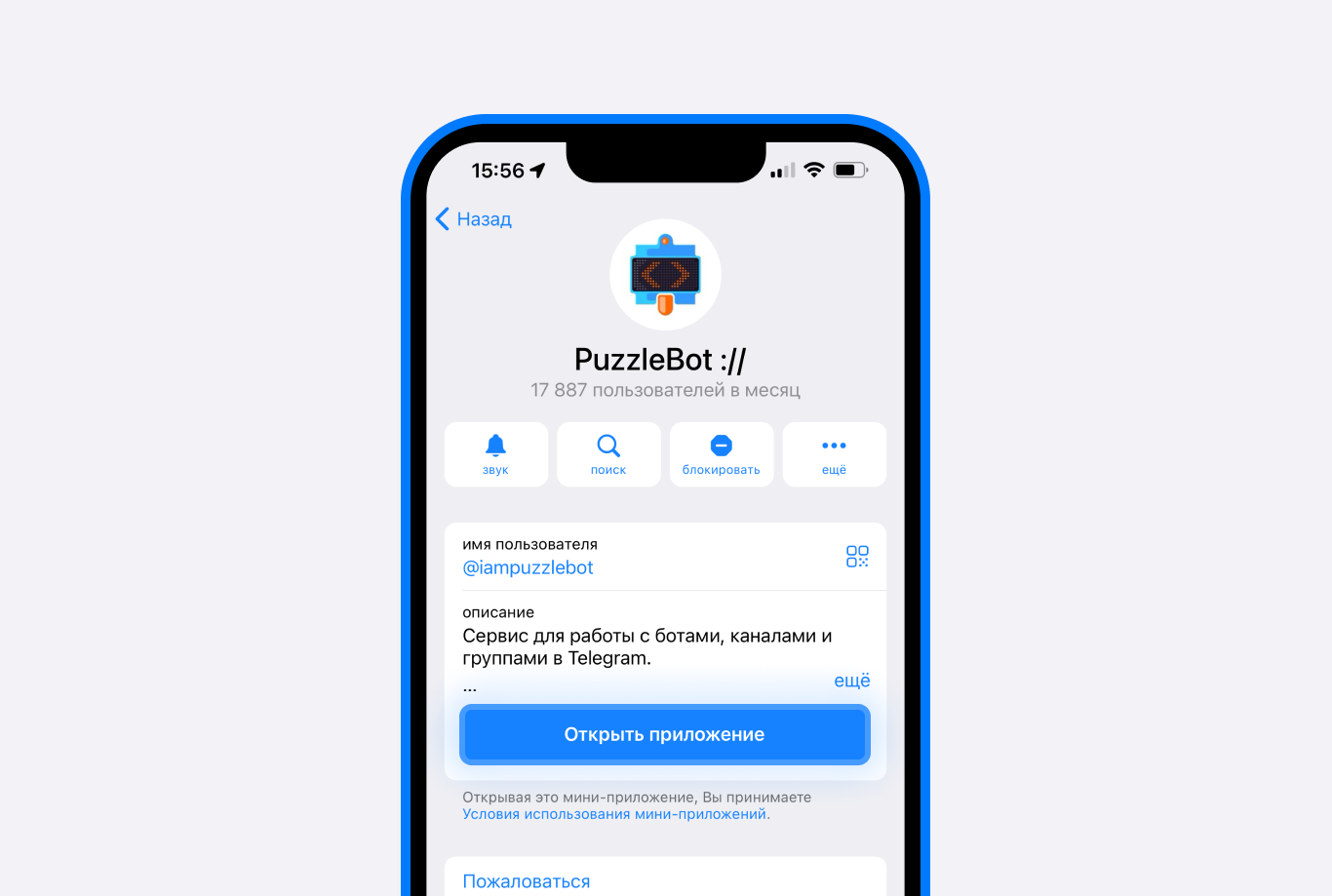
The button that opens the app from the bot profile.
To enable Mini App mode:
Open @BotFather.
Send
/mybotsand select the bot you need.Open Bot Settings and select Configure Mini App.
Tap Enable Mini App.
As the last step, open: your puzzlebot account — Constructor — select an already created and published mini app — Settings — copy the Technical link and send it to @BotFather.
Where to find the technical link is described in more detail below.Done! The mini app can now be opened from the button in the Telegram bot's profile, as well as from a link like
https://t.me/username_bot?startapp, where you replaceusername_botwith your bot's username.
Where to find the technical link
1. Go to the Constructor.
![В конструкторе нажмите кнопку [+]](/api/media/file/%20%D0%92%20%D0%BA%D0%BE%D0%BD%D1%81%D1%82%D1%80%D1%83%D0%BA%D1%82%D0%BE%D1%80%D0%B5%20%D0%BD%D0%B0%D0%B6%D0%BC%D0%B8%D1%82%D0%B5%20%D0%BA%D0%BD%D0%BE%D0%BF%D0%BA%D1%83%20%5B%2B%5D.jpeg)
2. Create an app, enter a name, then publish the changes.
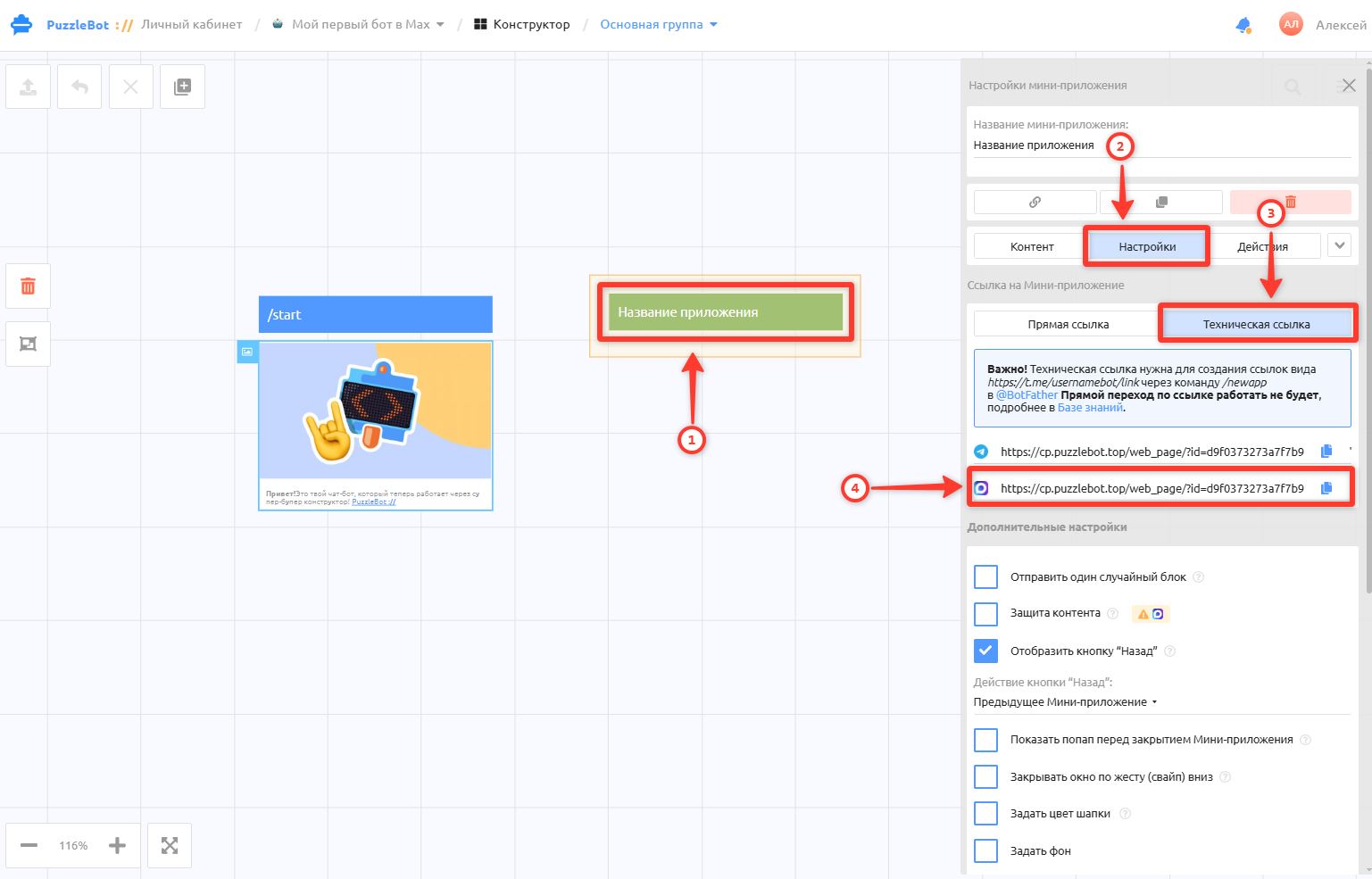
3. Open the app again. Links appear on the Settings tab → copy the technical link and send it to @BotFather.
Done! The mini app can now be opened from the button in the Telegram bot's profile, as well as from a link like https://t.me/username_bot?startapp, where you replace username_bot with your bot's username.
Types of mini app links
In the puzzlebot account, there are only 2 types of mini app links:
Direct link — looks like
https://t.me/username_bot?startapp=10e220a237218f61for Telegram orhttps://max.ru/id123456_bot?startapp=10e220a237218f61for Max, with the ID of the mini app at the end of the link.
Where to use it: you can insert it into text, buttons and anywhere else to open the mini app.
Important! To use it with a Telegram bot, you need to enable Mini App mode in @BotFather, as described above.
Technical link — looks like
https://cp.puzzlebot.top/web_page/test.html?id=10e220a237218f61, with the ID of the mini app at the end of the link.
Where to use it: it is intended only for setting up Mini App mode in Telegram and for creating short links in @BotFather, as well as for enabling a mini app in a Max bot.
You cannot open it directly or insert it into text as a link.
Important! Telegram clients currently have problems with Direct links. We have described how to fix the error.
Besides the Direct link, you can also open a mini app with a Short link like https://t.me/username_bot/miniapp and with a Start link that opens the mini app's main page, https://t.me/username_bot?startapp, both described above.
Short link to a mini app
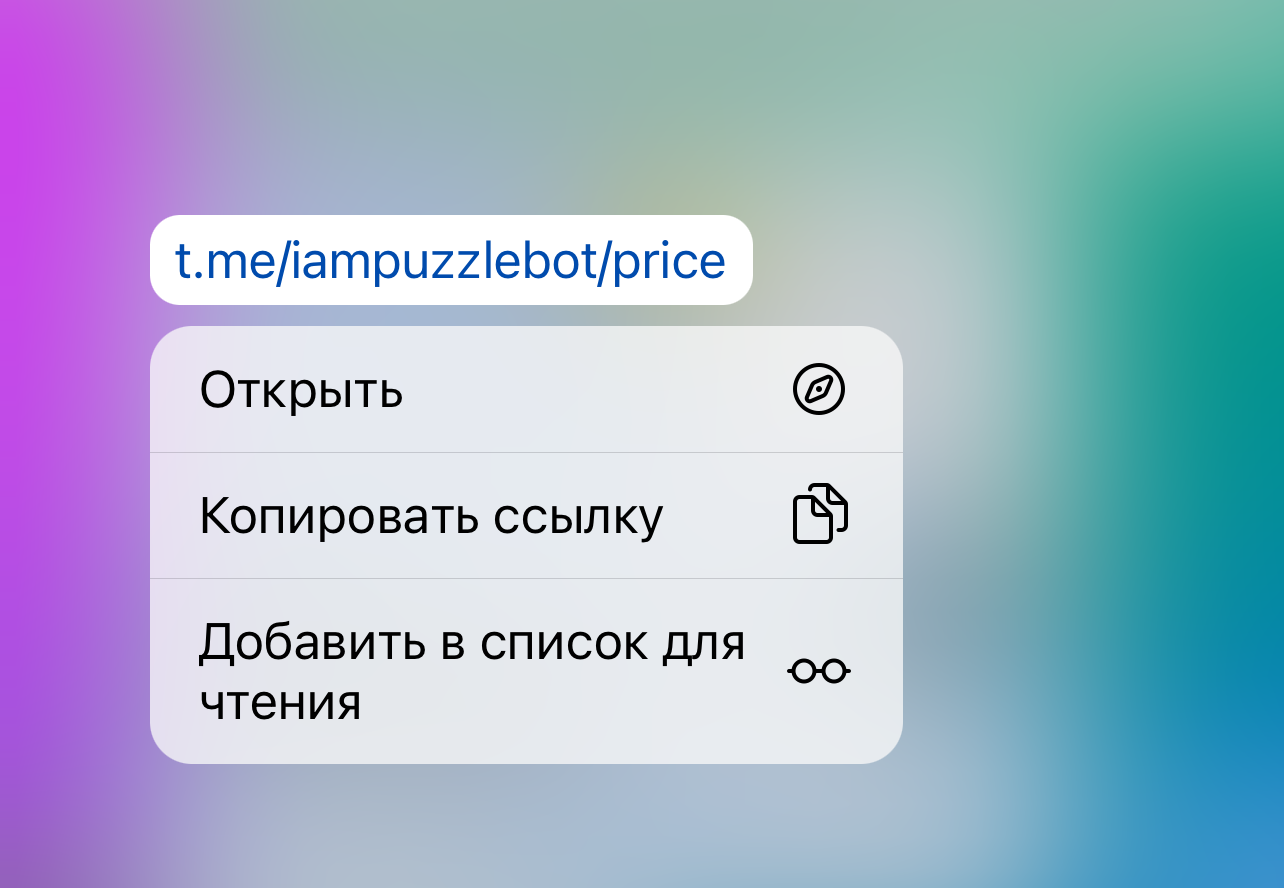
An example of a short link to a mini app.
To create a short link to a mini app:
Open @BotFather.
Send
/newapp.Select the bot you need and follow the steps: enter the mini app name — a description — send an image (for example from Yandex) — send a GIF or send
/empty.At the step that asks for a link, send the Technical link again: your puzzlebot account — Constructor — select an already created and published mini app — Settings — copy the Technical link and send it to @BotFather (see the step-by-step instructions with screenshots above).
As the last step, set the link ending, for example "price".
Creating the mini app's content
Once you have added the mini app to your Telegram bot and set up the links, you can start creating its content and appearance: